
1.5 Change the super admin password
UniField installed, it’s not the time yet to create the database or restore one. First, the super admin password must be changed.
This password is used to create databases. It is very important and should not be communicated.
Connect to UniField with a browser: http://localhost:8061
| Click on Databases 1 | 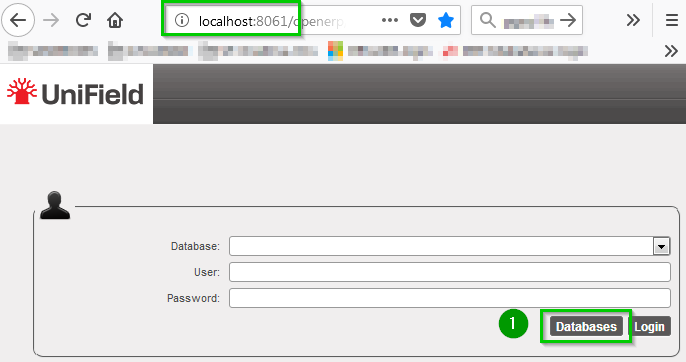 |
| Click on Password 1 |  |
| Enter the old password 1. If it’s a first installation, you must enter the default super admin password. Enter the New super admin password and confirm it. Click on Change Password 2 | 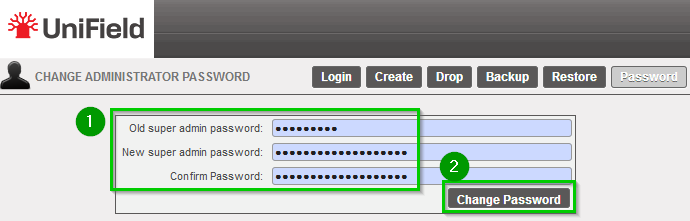 |
The super admin password is now changed. Keep it somewhere safe because you will need it every time you need to do something regarding the databases (especially backup and restore).
