
8.4 Backing up a Database
| To back up a database go on the UniField login page and click on Databases 1 | 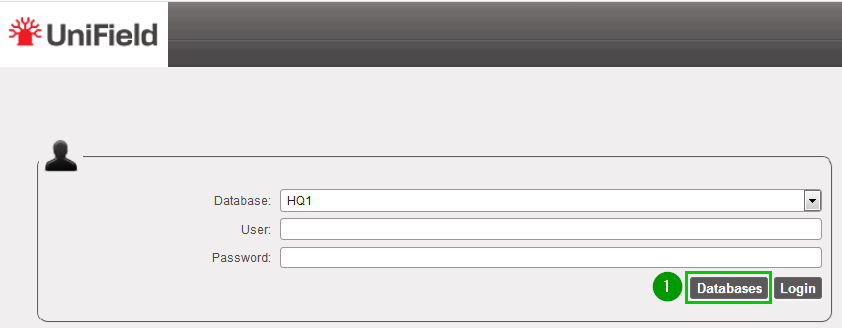 |
| Click on Backup 1 | 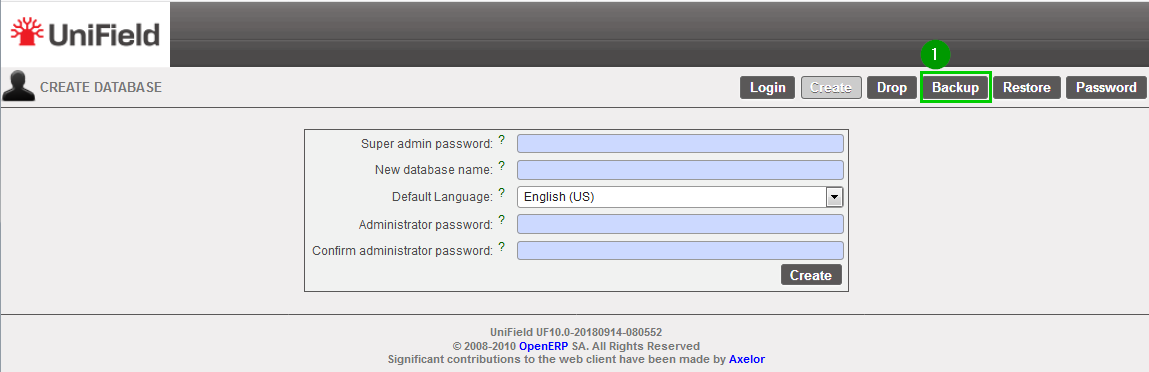 |
| Database: Select 1 the database that needs to be backed up. Enter 2 the backup password Click on Backup 3 | 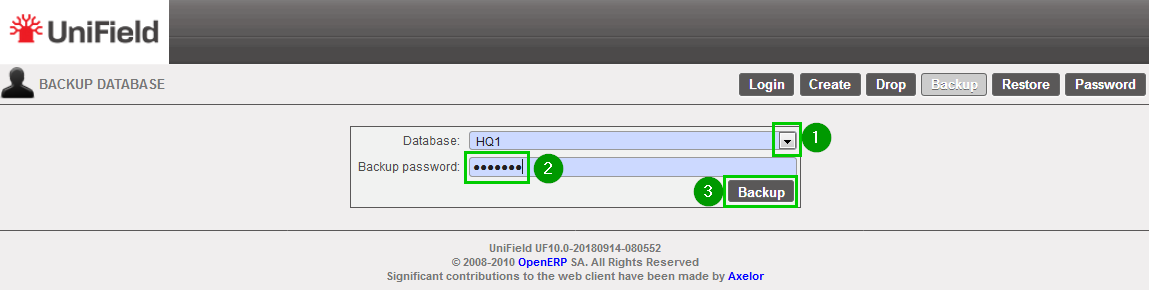 |
| A pop-up appears asking you to Save 1 the backup. Press OK 2 to start downloading the backup from the local instance server to the computer you are currently executing this action. Copy this backup ( .dump) to a safe location. | 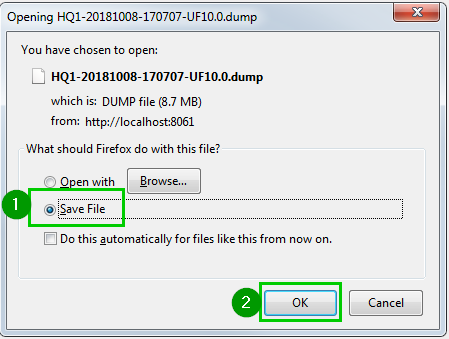 |
