
8.6 Deleting (dropping) a Database
This function should be used with extreme care as there is no way to recover deleted data (unless a backup has been created).
| To delete a database go on the UniField login page and click on Databases 1 | 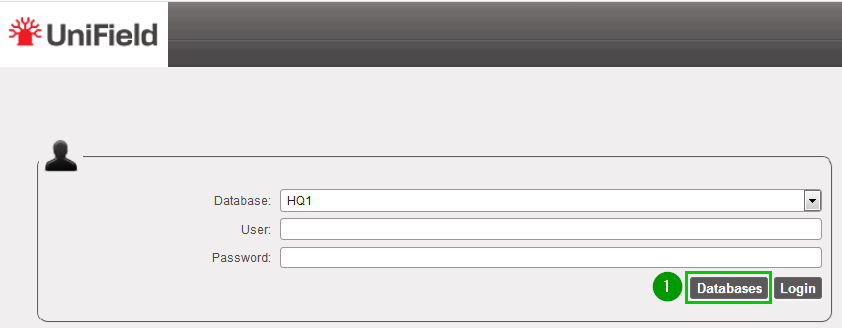 |
| Click on Drop 1 | 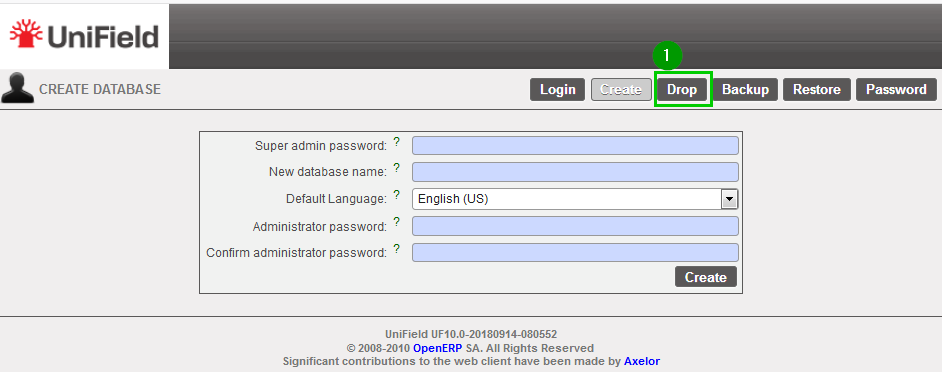 |
| Select 1 the database to drop>br>Enter the Drop password 2 Click on Drop 3 | 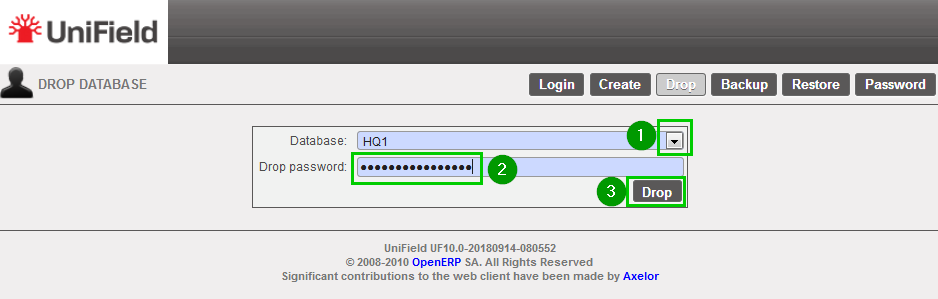 |
| A popup window opens to confirm your intention of dropping the database. Click OK 1 |
