
1.11 Un-installation
Before uninstalling UniField, make sure you have backed up the databases and the configuration files. They will be deleted.
Go to C:\Program Files (x86)\msf\Unifield 1Click on Uninstall.exe 2 | 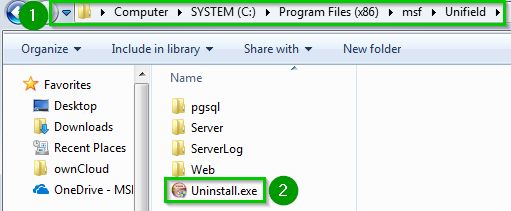 |
| The following pop up opens Click Next 1 | 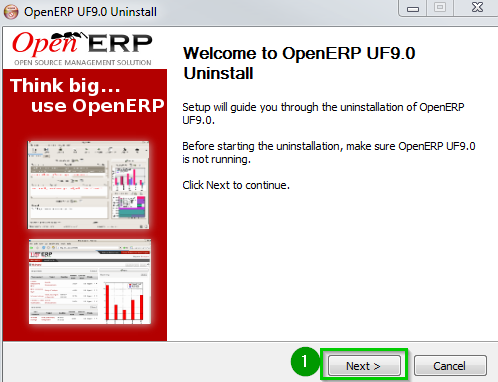 |
| Click onUninstall 1 | 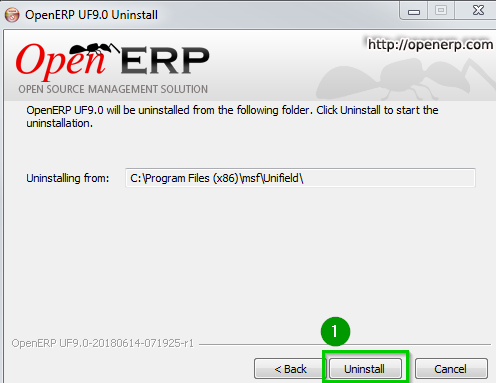 |
| Click Finish | 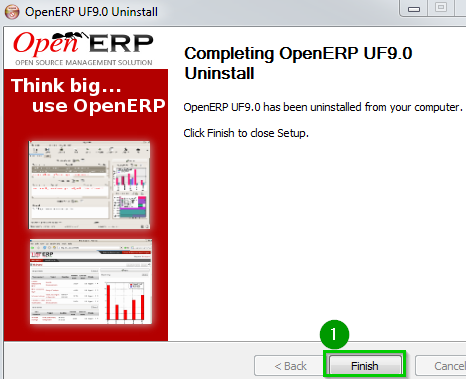 |
At this stage the Unifield directories are not deleted in the system. You could check it at:C:\Program Files (x86)\msf\UnifieldD:\MSF data\Unifield | 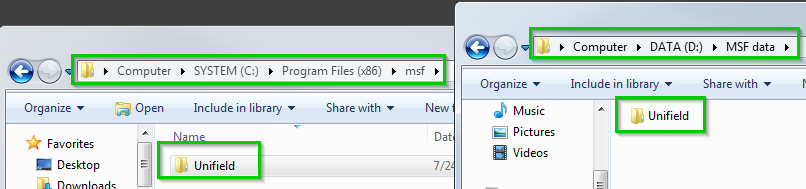 |
To delete it you would need first to stop the remaing OpenERP Server service.Open the Services and Stop OpenERP Server 1 | 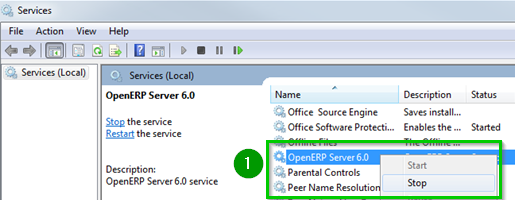 |
Delete now the directories:C:\Program Files (x86)\msf\UnifieldD:\MSF data\Unifield | 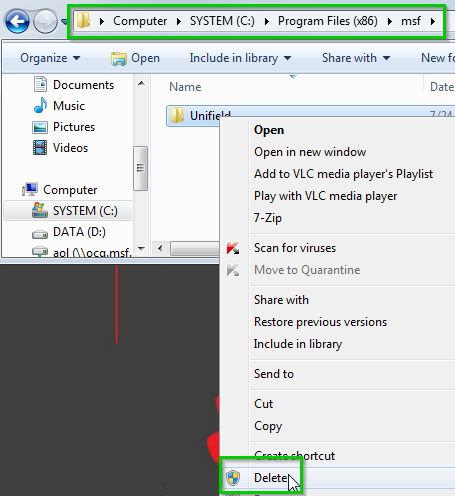 |
