
8.5 Restoring a Database
| To restore a database go on the UniField login page and click on Databases 1 | 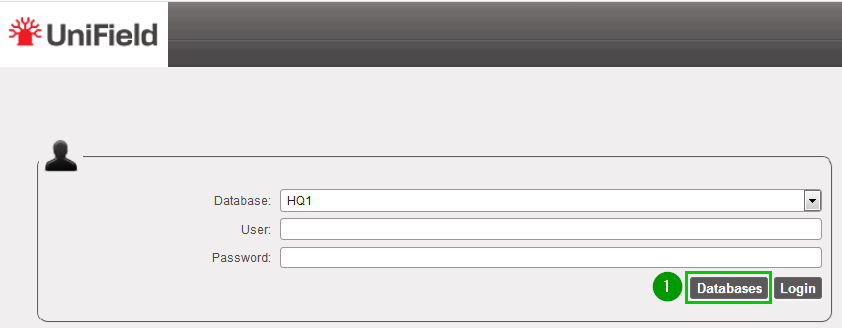 |
| Click on Restore1 | 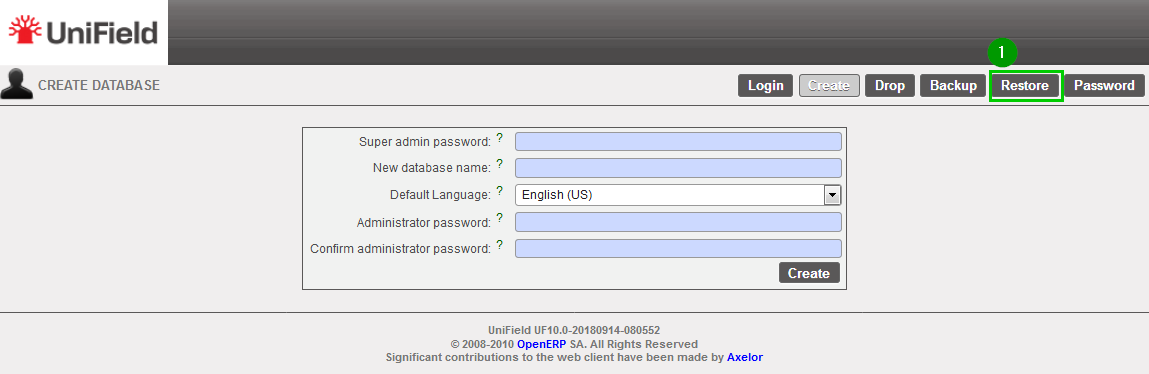 |
Click on Browse 1 and select your backup file – .dump extension.Enter the Restore password 2 Click on Restore 3 | 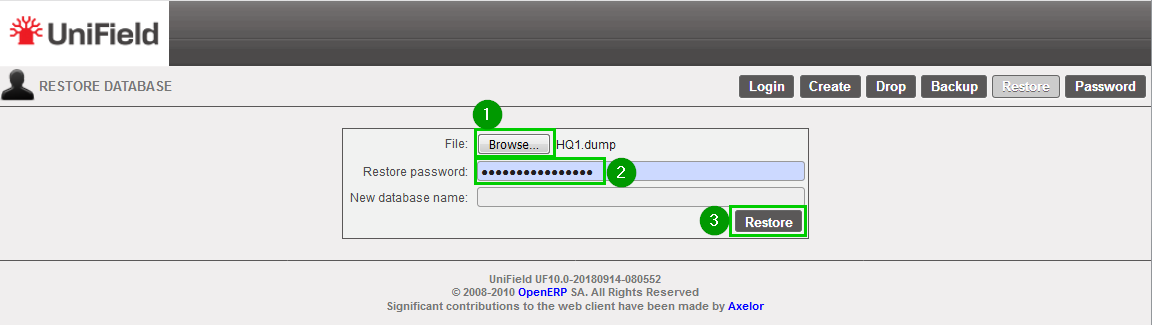 |
Important Note: if you restore a backup on a different machine and try to connect to the sync server, you will face an error (error 17); this is due to a security check. You have to contact the Support Team in order to activate your instance on your new machine. Section 9.5 explains how to update it if such error happens in a sandbox.
