
Supply User Manual ENG -> 4. Procurement -> 4.2 LU-SU3101: Internal Requests (IRs) ->F. a) How to validate an Internal Request at header level.
F. a) How to validate an Internal Request at header level.
- Search for and open (in edit or display mode) the IR you wish to validate.
- Click on the “Validate Document” button at the bottom of the screen.
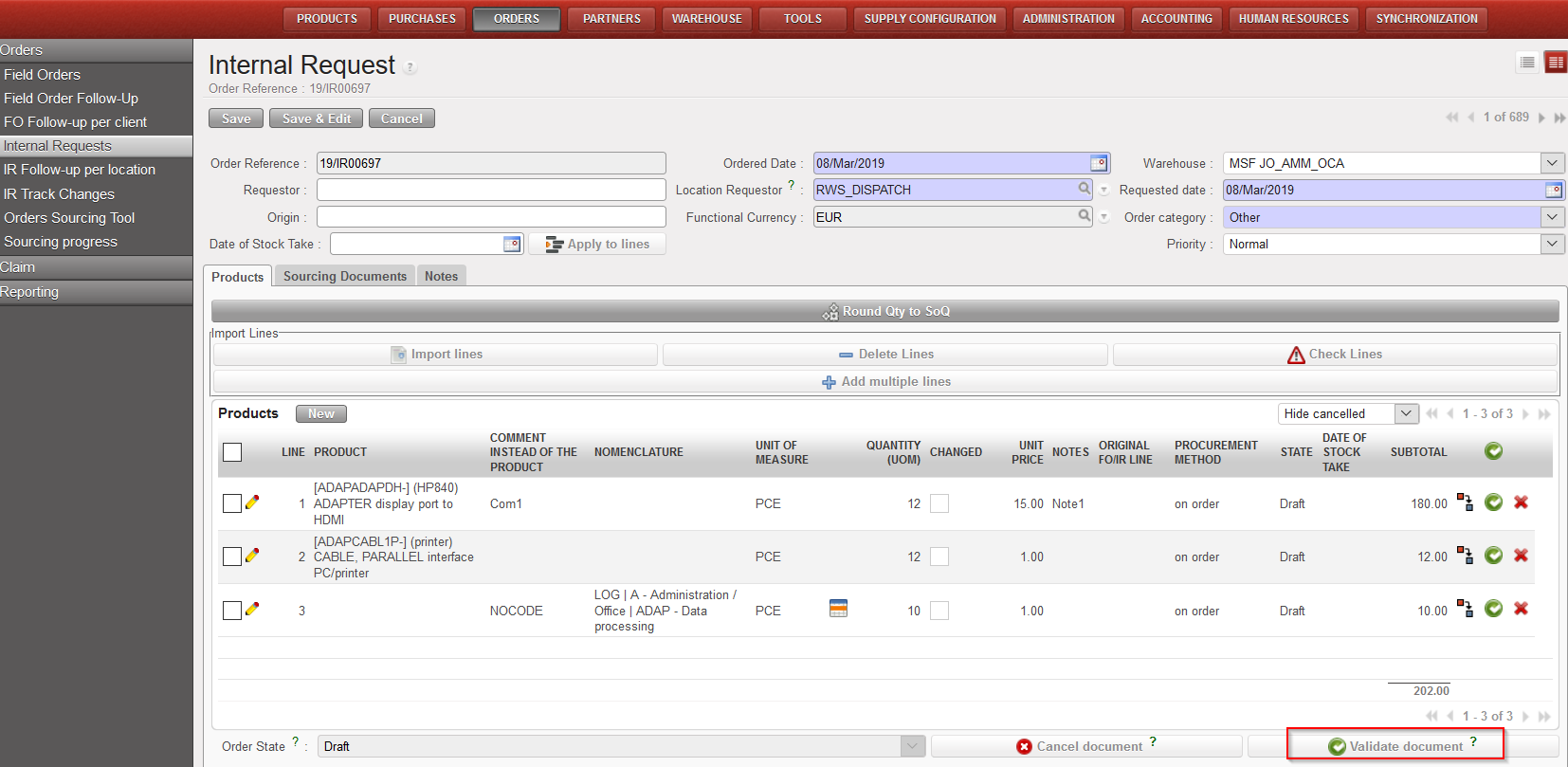 |
| IR validation |
Once Validated:
-All the lines of the IR switch to the state “Validated“.
-The IR switches to the state “Validated“.
-A red non-blocking warning message is displayed to remind that changes are not recommended after validation.
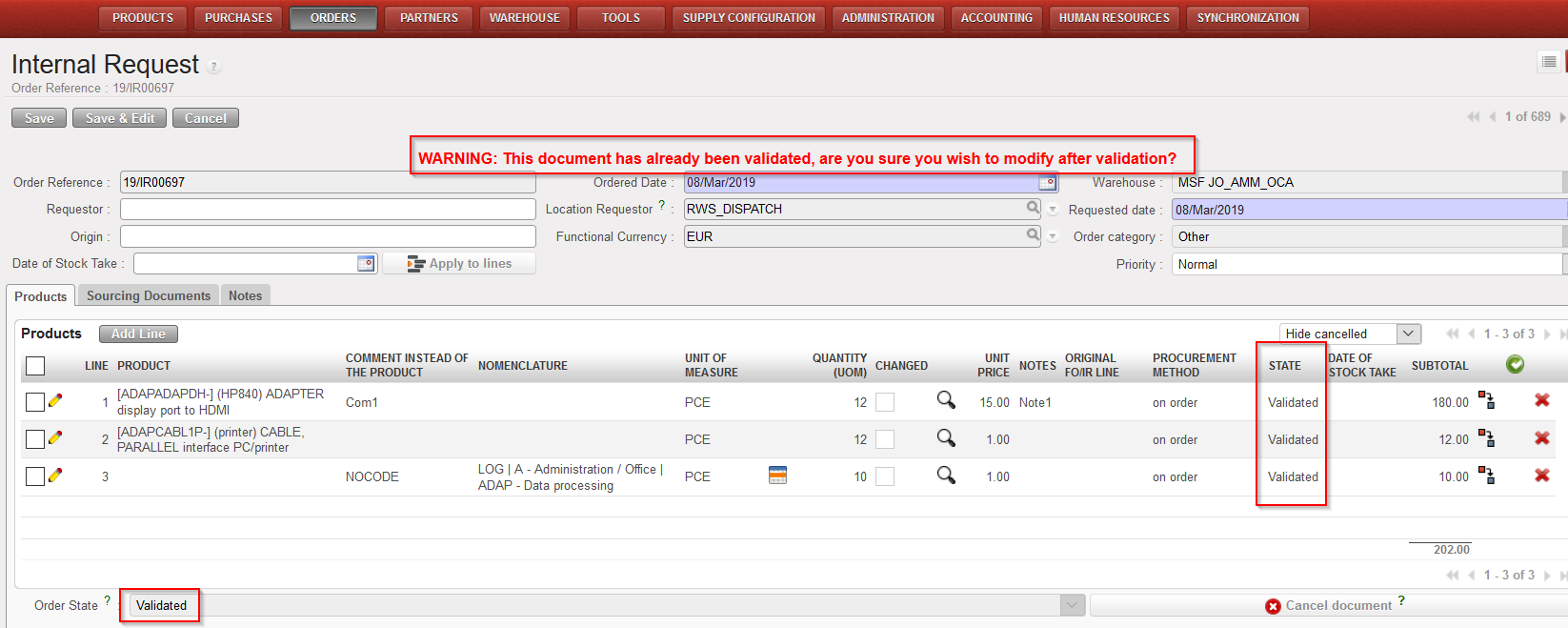 |
| IR validated |
