
Supply User Manual ENG -> 4. Procurement -> 4.6 LU-SU3201: Purchase Orders (POs) - Generals -> N. How to export a PO to XML VI file.
N. How to export a PO to XML VI file.
Go to: Purchases / Purchase Management / Purchase Orders
- Open the Purchase Order that you wish to export.
- Click on the “Export PO Validated” button. This button will only appear if your PO is in the state “Validated” or “Validated-p” but not if your PO is “Draft“, “Draft-p” or “Confirmed” status.
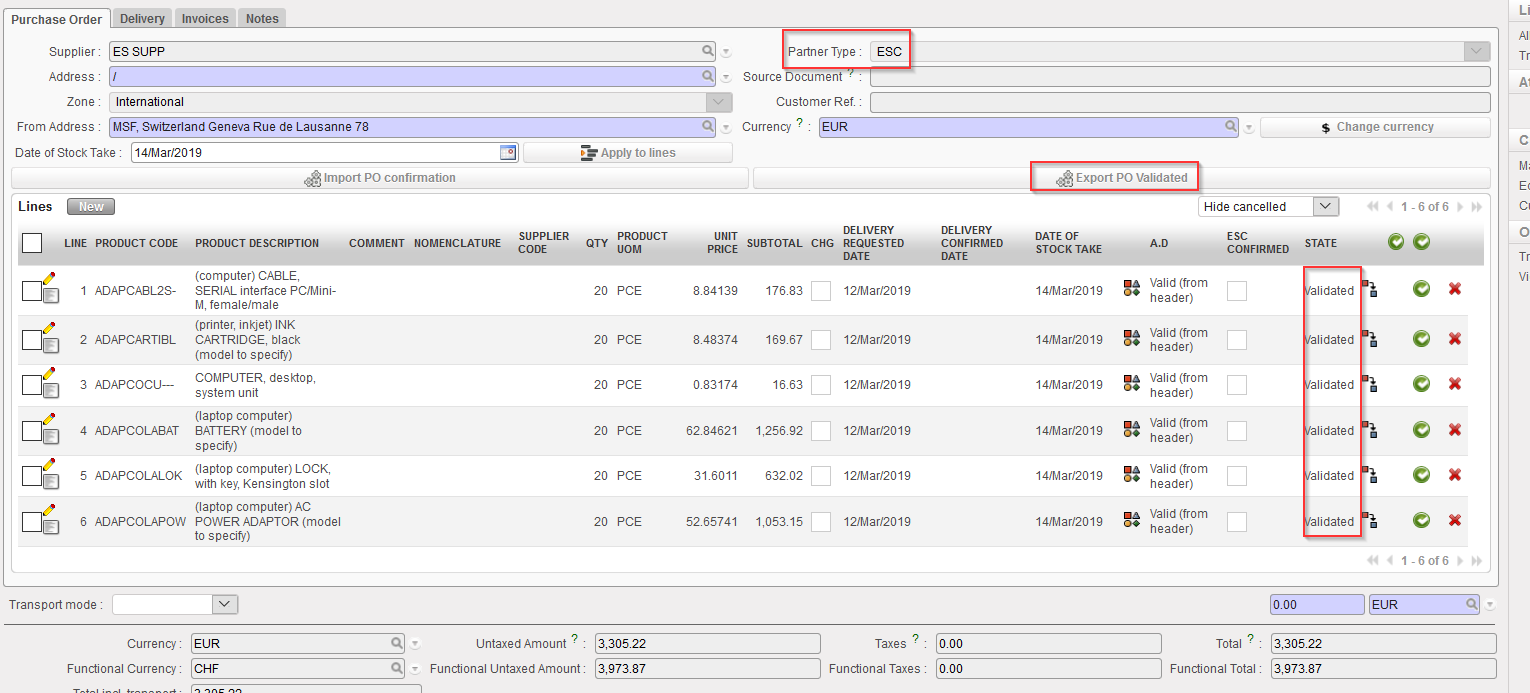 |
| Exporting a validated PO to an XML VI file |
3. Choose the “File type” required by your ESC. 2 file types are available. The “Excel file” format will generate a file in “XML 2003 Spreadsheet” format (easily editable in Excel). The “XML file format” will generate a pure XML file.
4. Click on “Download file“.
 |
| Selection of the type of file when exporting a PO to VI file |
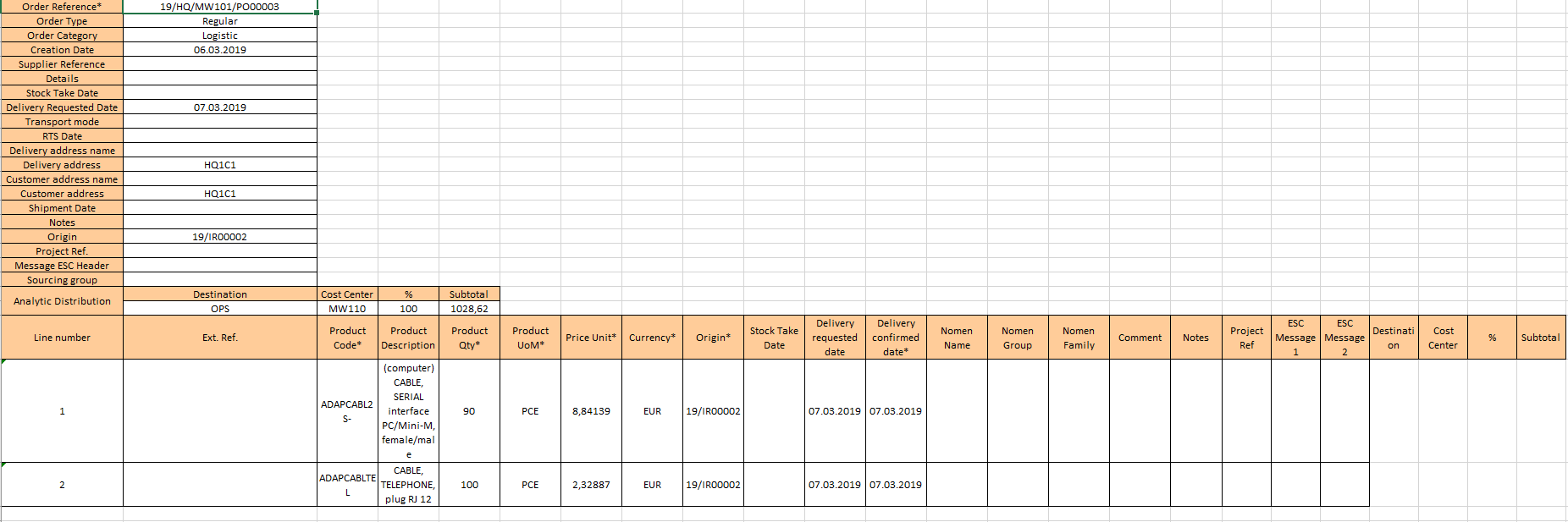 |
| “Excel file” File type (XML 2003 Spreadsheet) |
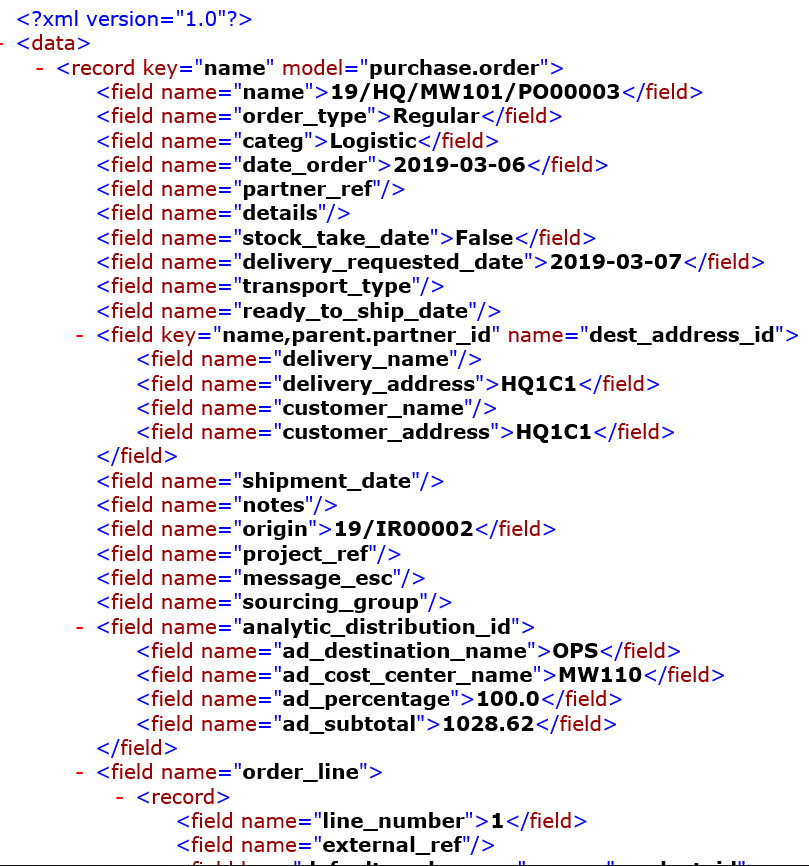 |
| “XML file” File type (pure XML) |
A file has been saved on your computer. From this point, the file should be importable into the ESC system (Portal,…) without any change. Please refer to your OC/ESC documentation for further details.
