
I. a) From a Tender
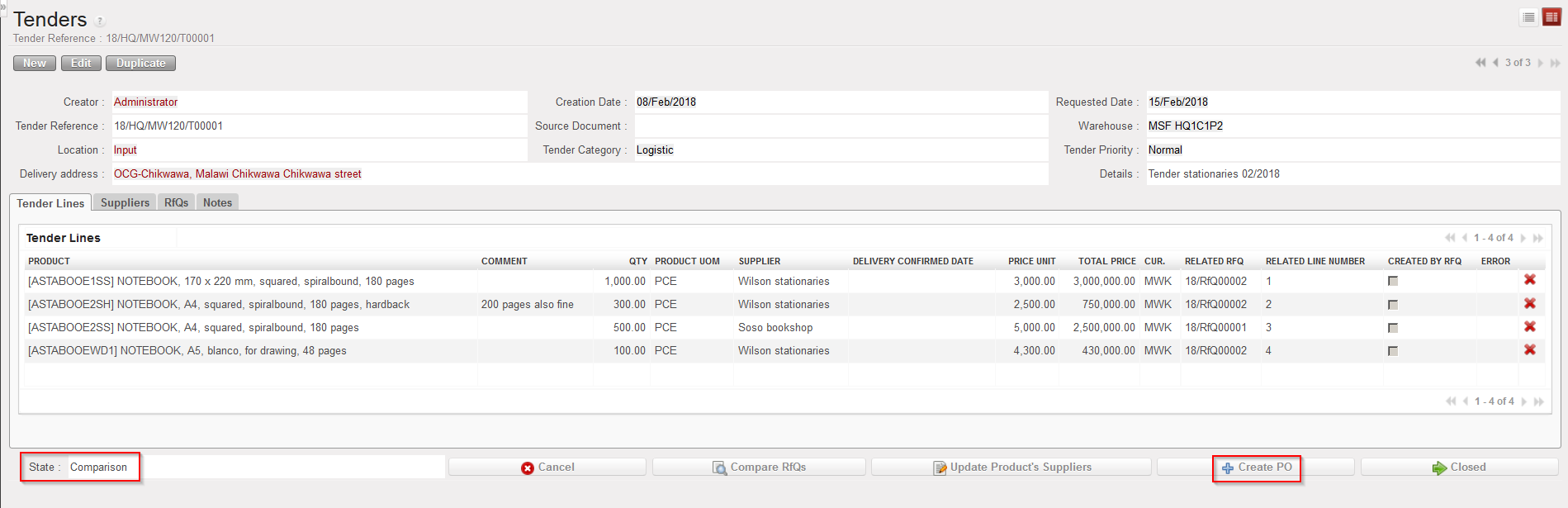
When quotes comparison has been done on a Tender, the Tender switches to state “Comparison“. From this stage, one (or several) PO(s) can be created from the Tender (according to the number of suppliers selected) via a click on the “Create PO” button.
 |
| Creating PO(s) from a Tender |
The Tender will switch to the status “Closed“.
