
Supply User Manual ENG -> Products -> 3.2 LU-SU2101: General Product Management -> A. How to create a new local product
A. How to create a new local product
Products can only be created at coordination level and above; the process for new products is quite similar for local and international products.
The last developments with UniData and the management of UD Non-Standard Local product should considerably reduce the creation of local product at Coordination level if not suppress it. It should remain exceptional and subject to specific user rights.
Go to: Products/ Products / Products
- Click “New” button to begin the process
- Fill in all the blue mandatory fields (see the relevant headings in this Learning Unit for detailed explanations on fields, options etc)
- Fill in any additional information
- Save
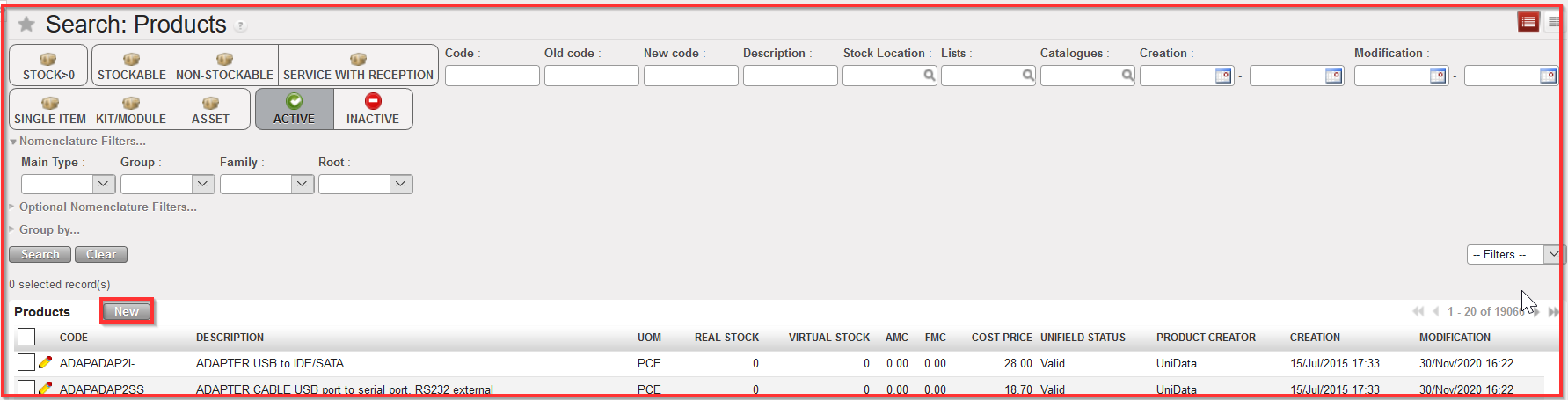
Create a new local product
Please note that Local products can also be managed for intermission and intersection flows.
