Supply User Manual ENG -> 5. Warehouse -> 5.18 LU-SU4304: Movements Reports -> B. DELIVER PRODUCTS
B. DELIVER PRODUCTS
This functionality focuses on Picking, Packing and Delivery Orders (PICK/PACK/OUT). It may be used to see which products have been /are being delivered. According to the filters applied, the user can search by products, but also by partner, which could be useful to see what has been or is due to be delivered to a specific project.
Go to: Warehouse / Product Moves / Deliver Products
|
|
|
Deliver Products |
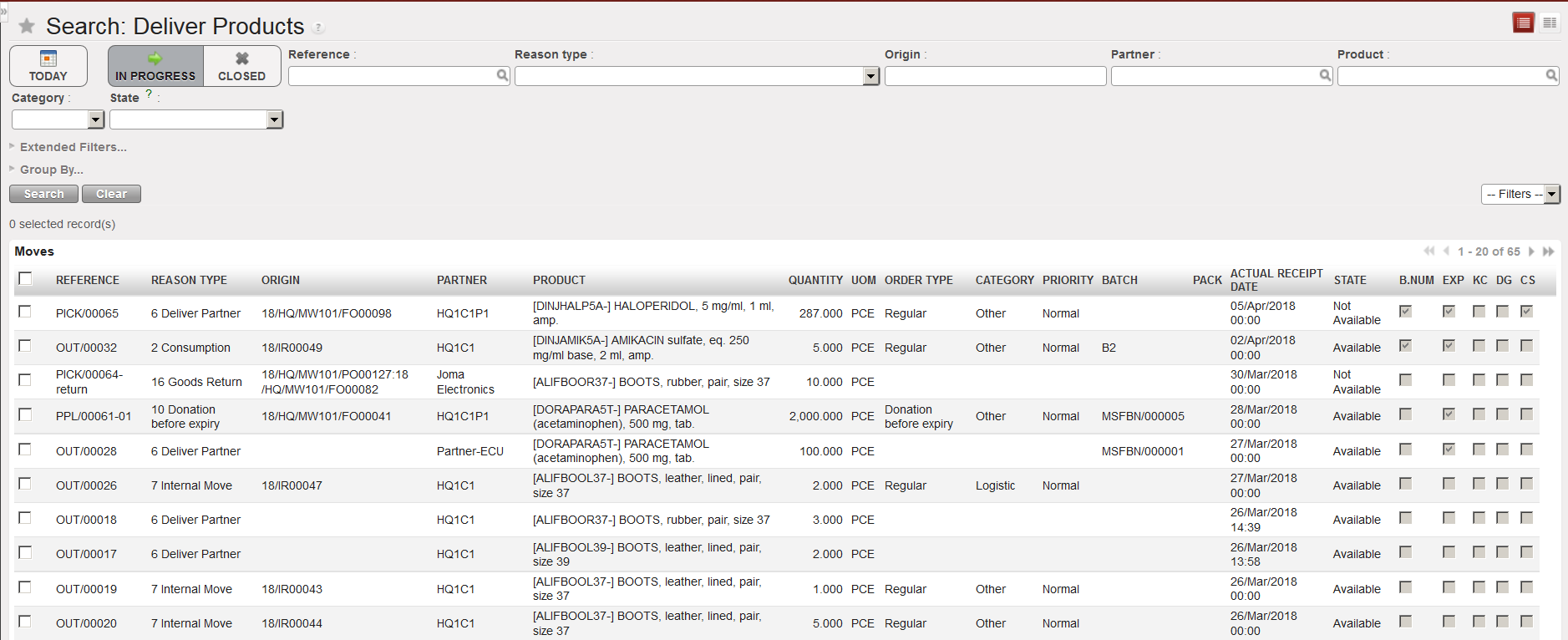
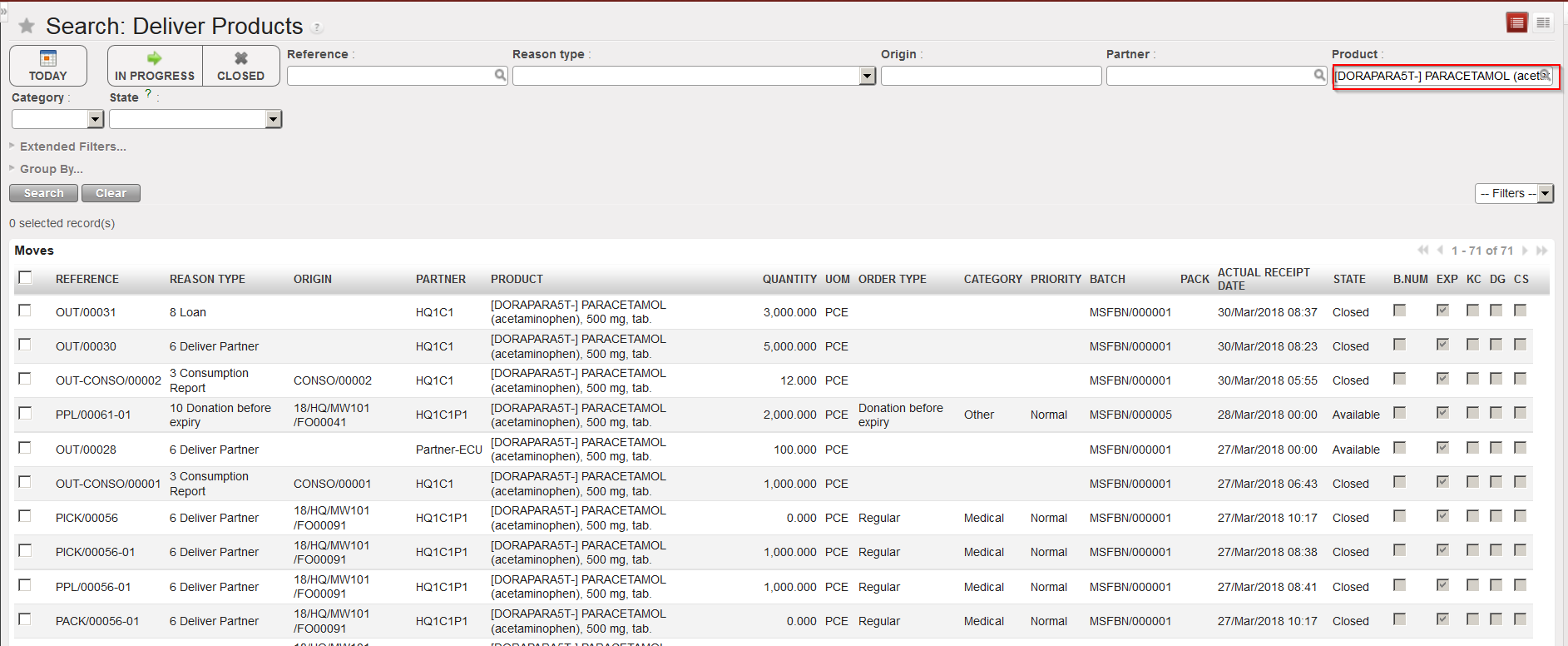
- The system will by default show all deliveries which are in progress. Clear this default selection by clicking on the “Clear” button.
- Enter your selection criteria (partner, product,…).
- Click on the “Search” button.
|
|
|
Deliver Products |