
Supply User Manual ENG -> 5. Warehouse -> 5.18 LU-SU4304: Movements Reports -> D. RECEPTIONS ANALYSIS
D. RECEPTIONS ANALYSIS
This functionality is similar to the “Moves Analysis” but focuses on Incoming Shipments.
Go to: Warehouse / Reporting / Receptions Analysis
|
|
|
Receptions Analysis |
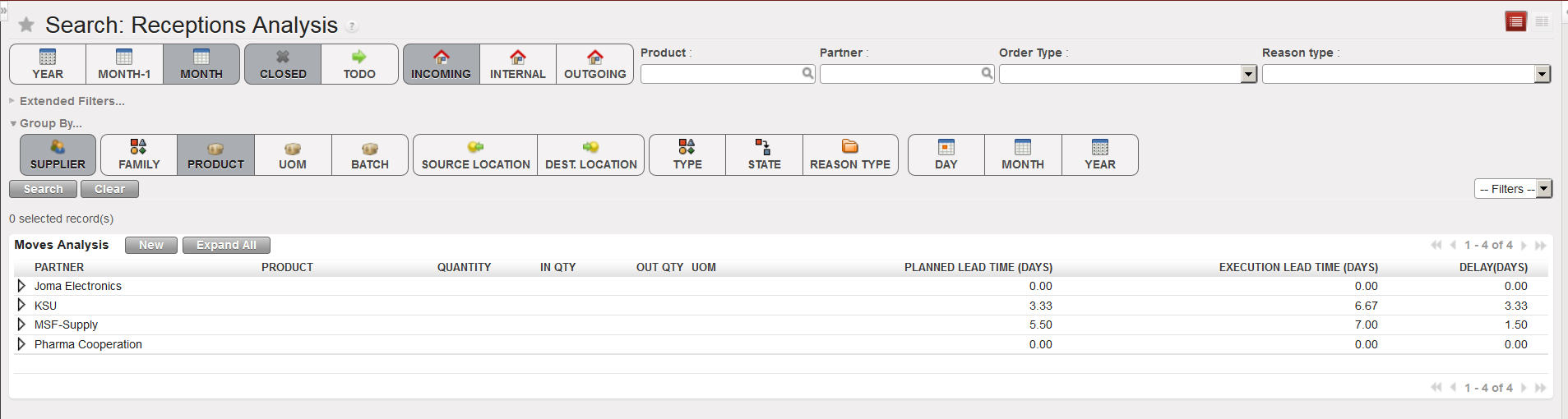
- Clear the current filters by clicking on the “Clear” button
- Use filters and “Group by” options to select which Incoming Shipments you want to select and define how you want organize them.
- Click on the “Search” button.
