
Supply User Manual ENG -> 5. Warehouse -> 5.2 LU-SU4101: Incoming Shipments -> I. How to cancel on an Incoming Shipment (at header level)
I. How to cancel on an Incoming Shipment (at header level)
Sometimes Incoming Shipments have to be fully cancelled because they are no longer needed (with the agreement of the supplier) or because no supplier can deliver them. The cancellation of the Incoming Shipment will also impact the related Purchase Order, Commitment Voucher and any IR/FO associated.
This operation can be done at header level on an Incoming Shipment in state “Available“.
Go to: Warehouse / Warehouse Management / Incoming Shipments
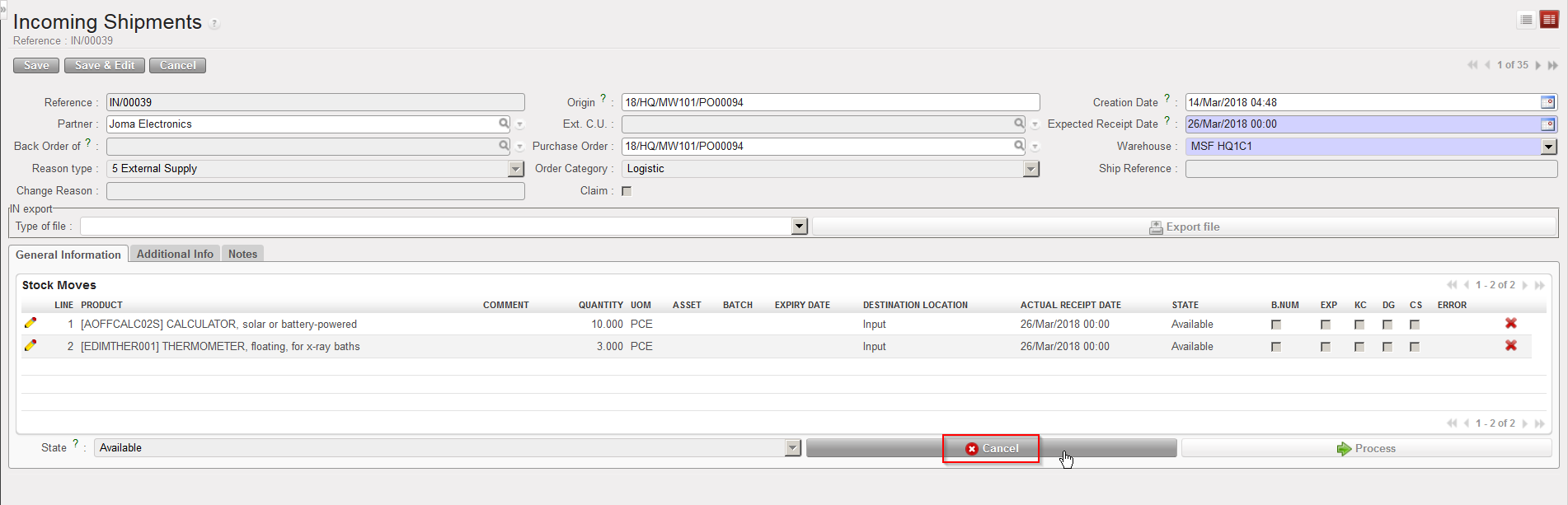
- Open an Incoming Shipment whose state is “Available“.
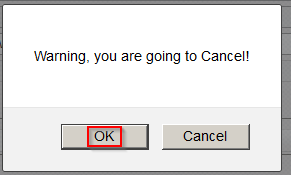
- Click on the “Cancel” button (with the red cross) located at the bottom of the main IN screen. The system warns you that you are about to cancel. Click on “OK” to proceed.
- On the “Enter a Reason for Incoming cancellation” screen, enter a reason (free text) in the “Change Reason” field. Click on “Cancel Incoming” to proceed.
|
|
|
Cancelling an Incoming Shipment |
|
|
|
Confirming cancellation of an Incoming Shipment |
|
|
|
Entering a reason to explain cancellation of an Incoming Shipment |
|
|
|
Cancelled Incoming Shipment – Filtered on “Show all lines” |


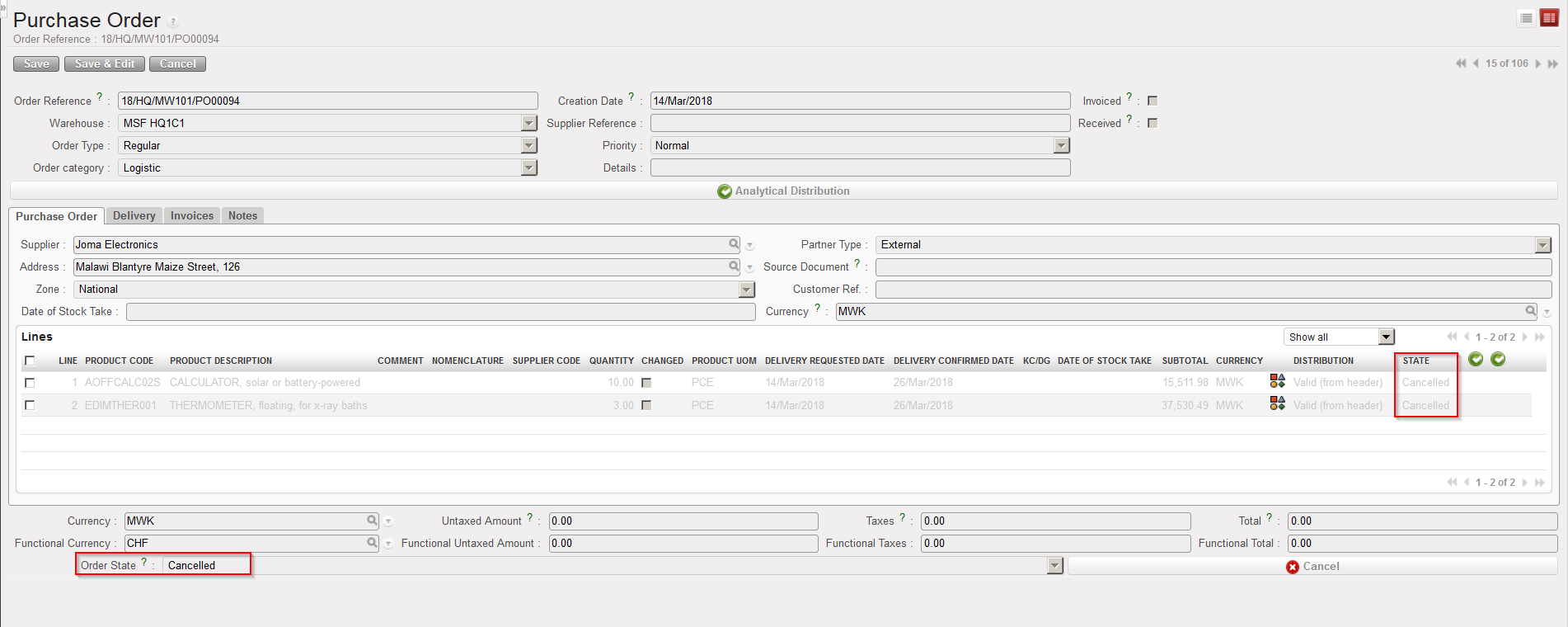
The Incoming Shipment switches to the state “Cancelled” and all its lines also switch to the state “Cancelled“. Please note that you have to filter on “Show all lines” or “Show cancelled lines” in order to display the Cancelled lines. The corresponding PO and all its lines switch to the state “Cancelled“.
|
|
|
PO following Incoming Shipment cancellation |
Note that for an IN which is related to a PO created by OST following IR/FO sourcing, on top of the “Cancel” button, you will also have the “Cancel & Resource” button available at the bottom of the main IN screen.
If you decide to cancel an IN, all related documents will be impacted (PO, IR/FO, INT/OUT/PICK). If the related PO was created from FO sourcing, the related documents in the customer instance (PO, IN, INT/OUT…) will also be impacted once synchronization has been done on both sides.
