Supply User Manual ENG -> 5. Warehouse -> 5.2 LU-SU4101: Incoming Shipments -> J. How to cancel on an Incoming Shipment (at line level)
J. How to cancel on an Incoming Shipment (at line level)
Cancellation on IN at line level can be done on an Incoming Shipment which has the state “Draft“. This will only occur if the IN has been created from scratch and cancellation at line level will result in line being deleted from the IN.
Cancellation on IN at line level cannot be done if the IN (in state “Available”) is related to a PO which was created from scratch.
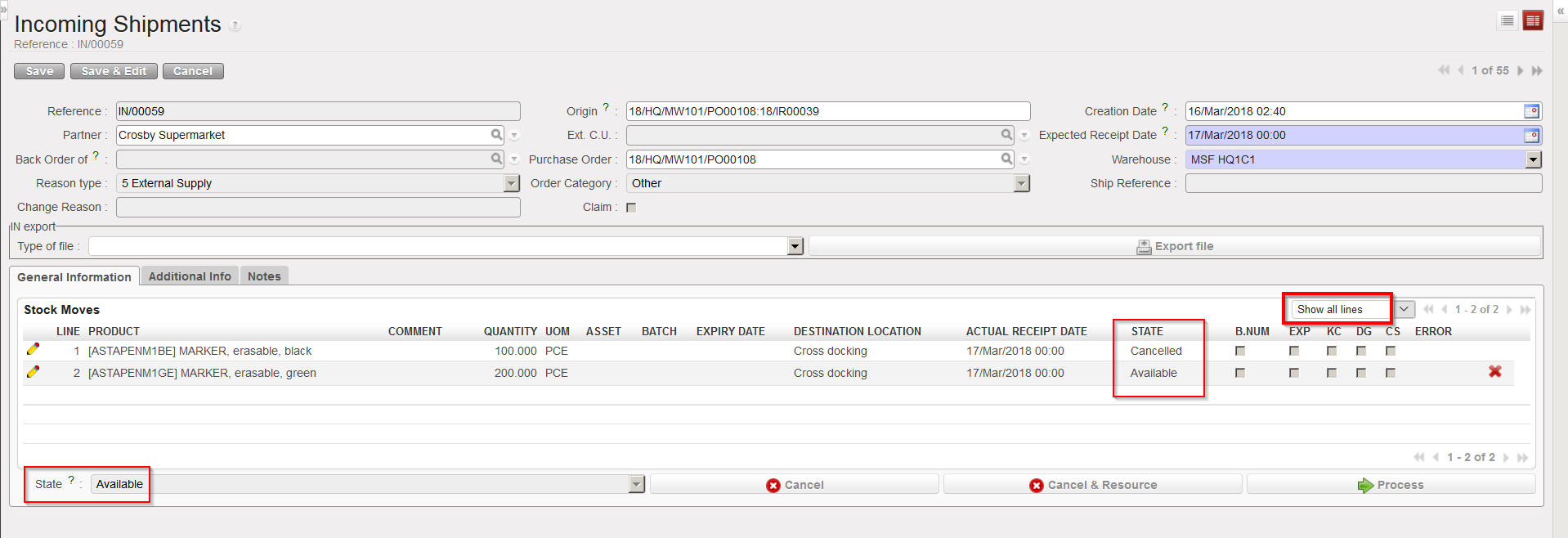
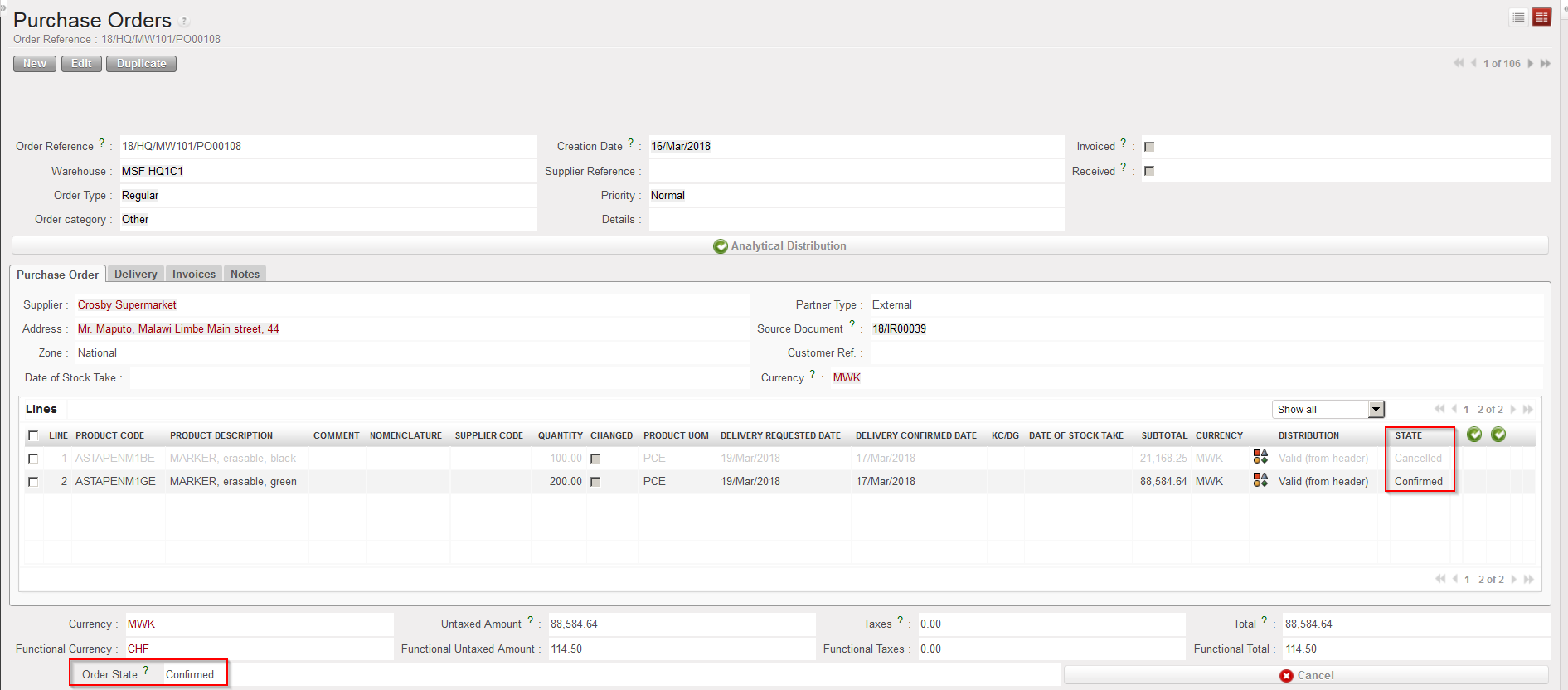
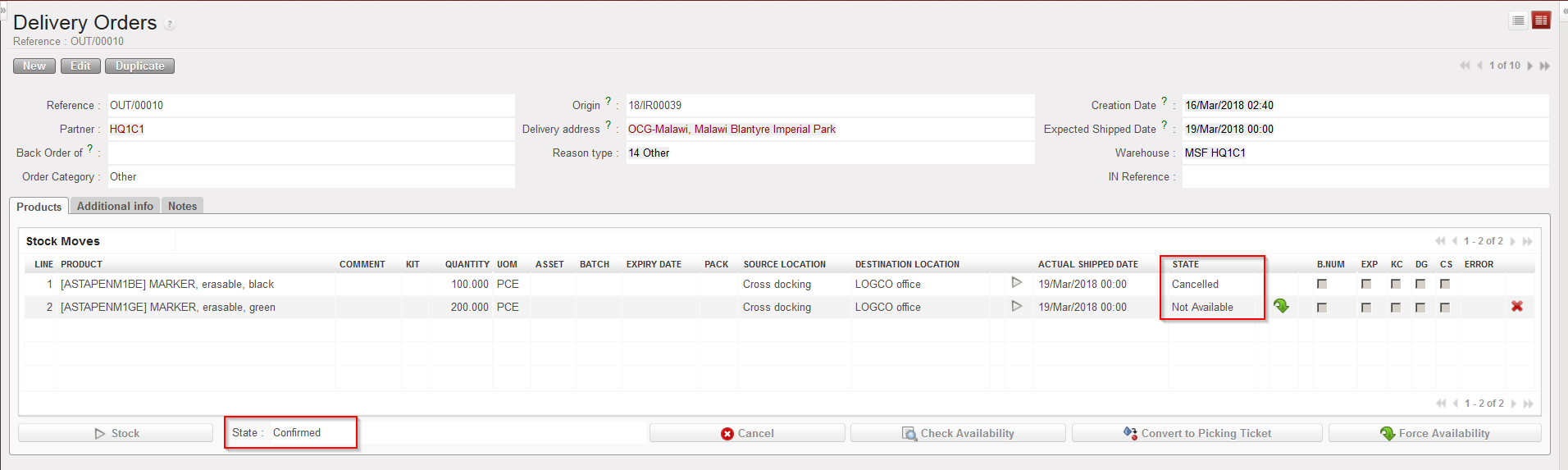
Cancelling a line of an Incoming Shipment which is in state “Available” will be possible if the IN is related to a PO which has been created by the OST, following the sourcing of an IR/FO. In this case, the cancelled line on the IN will switch to the state “Cancelled” and all related lines on the related documents will also switch to “Cancelled“.
Go to: Warehouse / Warehouse Management / Incoming Shipments
- Open an Incoming Shipment whose state is “Available” and on which you wish to cancel a line. Remember that the IN must be available and must be related to a PO which has been created by the OST.
- Click on the “Cancel” button (with the red cross) located at the right of the line you wish to cancel.
- On the “Cancel move” window which opens, select “Cancel Only“.
|
|
|
Cancelling one line of an Incoming Shipment |
|
|
|
Line cancelled on IN (filter on “Show all lines” to see the Cancelled line) |
|
|
|
Corresponding line “Cancelled” on PO |
|
|
|
Corresponding line “Cancelled” on OUT |