
Supply User Manual ENG -> 4. Procurement -> 4.4 LU-SU3103: Field Orders (FOs) – General -> K. How to cancel one specific Field Order line or multiple lines.
K. How to cancel one specific Field Order line or multiple lines.
There are 2 different ways for cancelling lines in the Filed order:
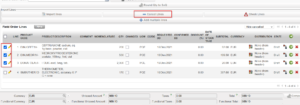
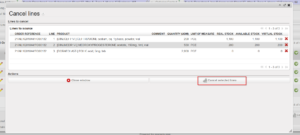
1- For canceling multiple lines, you can select the lines, click cancel lines, cancel lines window will open to confirm the cancellation and lines will be cancelled.
- In a draft FO, Select the lines you want to cancel, then click on the “Cancel Lines” button, the cancel lines window will appears, confirm your choice and click on “Cancel selected lines” button.
2- For cancelling one specific Line, using the red cross on the line level as below
- In a draft FO, use the red cross located at the right of the line item.
 |
| Cancelling an FO line of a draft FO |
The FO will stay in status “Draft” but the cancelled line will switch to state “Cancelled“.
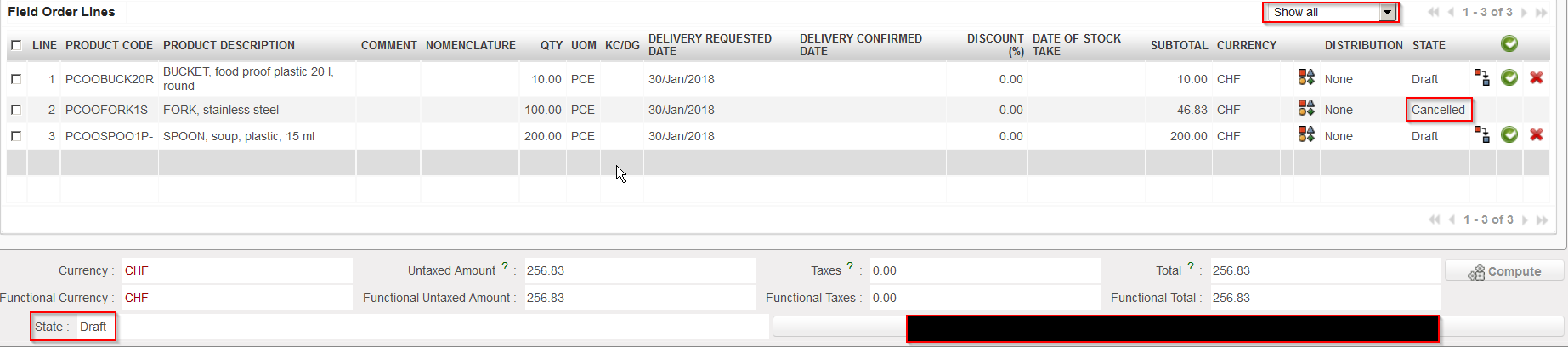 |
| FO with a cancelled line |
If the FO was created by the synchro, from a PO created (and validated) on another instance, this PO will keep the state “Validated” but the line which was cancelled on the FO will turn to state “Cancelled” on the PO.
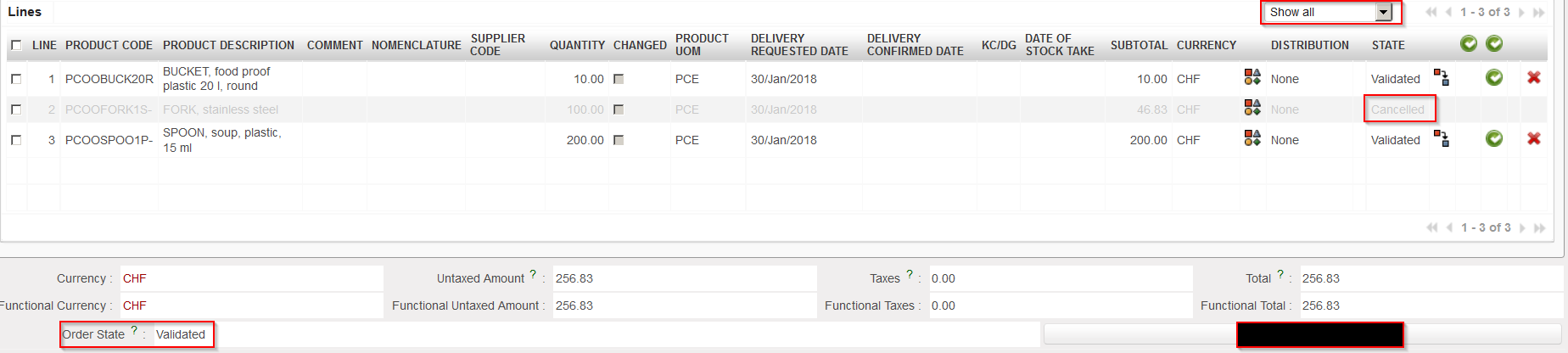 |
| PO with a cancelled line on the customer instance |
Note that draft and validated FO-lines can be cancelled in Draft-p / Validated/ Validated-P FO. but an FO-line which has already been sourced cannot. At this stage you will have to do the cancellation on the next document (e.g. PO or PICK).
