
2.5 Database Creation
| From the homepage of your local UniField installation click on Database 1 | 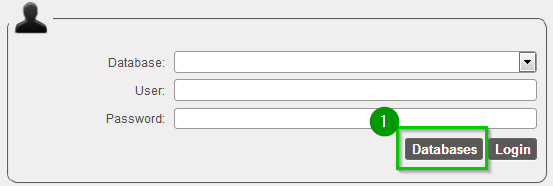 |
| Enter the following: 1
Click on Create 2 (wait for wizard to finish) | 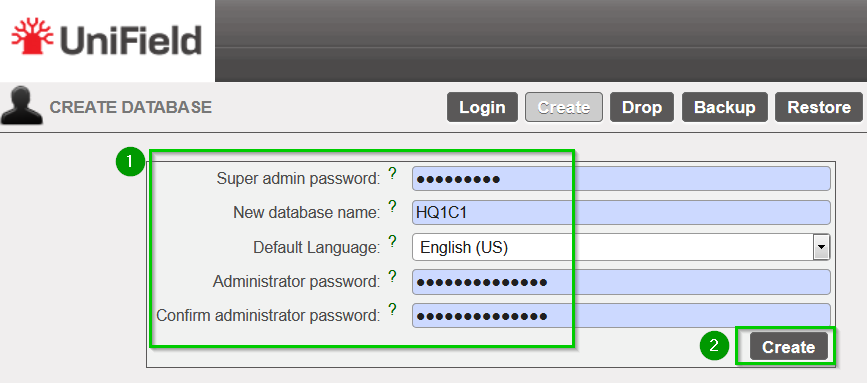 |
Login to the new database with username admin and the password 1 you set in the last stepClick on Login 2 | 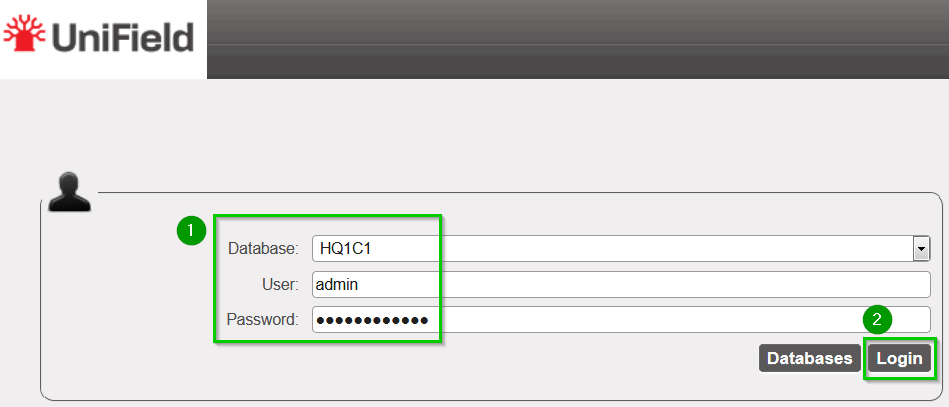 |
You can then Logout and repeat the same operation (section 2.5 Database creation) for the all Instance Codes listed in the Installation Checklist. Refer to section 2.3 Installation checklist.
