
LUFI-40103 National Staff Database Management for Missions Not Using Homere
In certain cases Homere may not be used in your mission. In these cases UniField can still be used for national staff management but you must first reconfigure the settings. When the configuration is done, you will import the national staff database and allocate an analytical dimension.
Go to: Administration/ Reconfigure
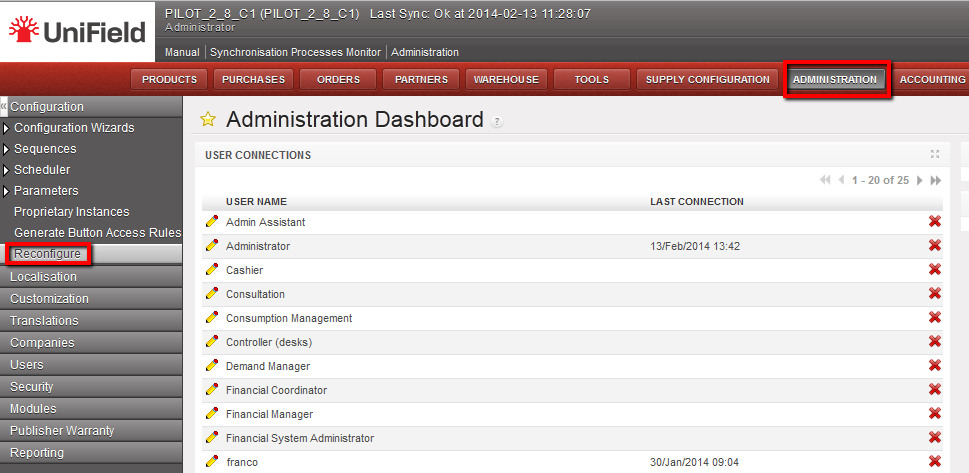 Welcome menu and {Reconfigure} function
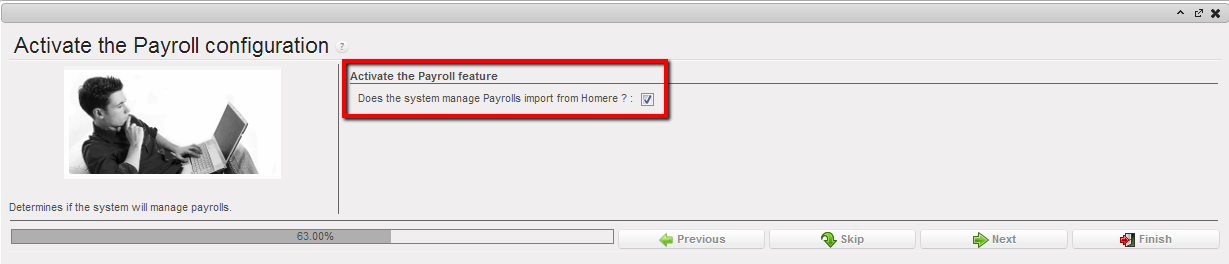
- Skip the different parameters window until the {Activate the Payroll} configuration window by selecting {Skip} or {Next}.
- On the {Activate the Payroll} configuration, uncheck the box of the below statement.
Payroll configuration window
- Select {Finish} button.
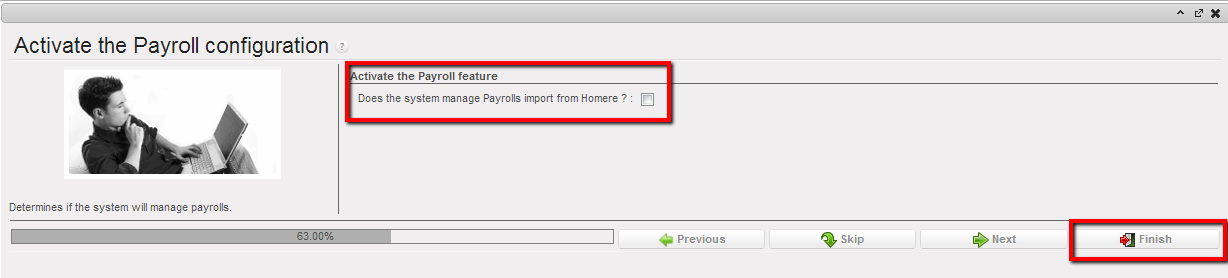 The payroll configuration is disabled
The {payroll} module is disabled
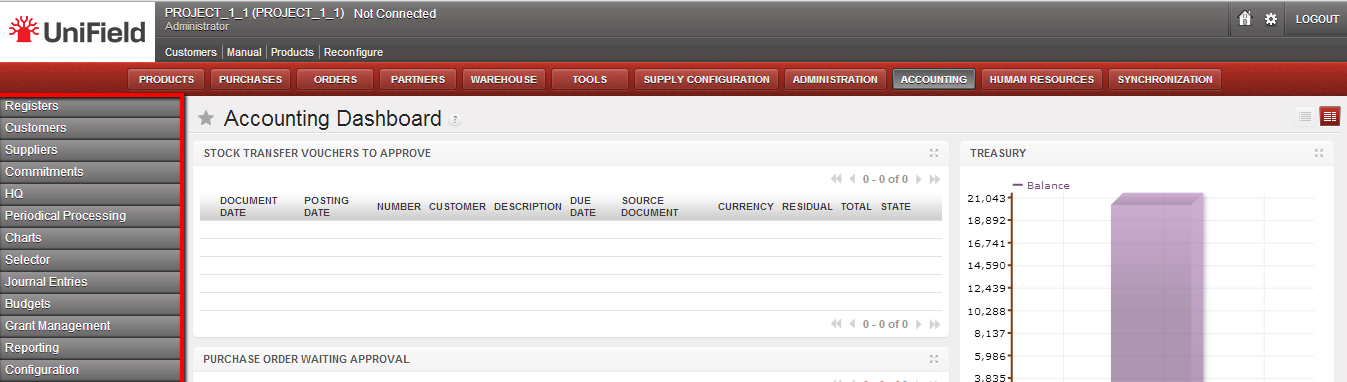 The payroll module is disabled
Go to: Human Resources// Human Resources
- Select {Import nat. staff}.
 Import nat. staff sub-module
A Wizard {Import nat. staff} appears.
 Import nat. staff wizard
- Browse the file (xml) you use to import your data and select validate to confirm the import.
A national staff employee import confirmation wizard appears.
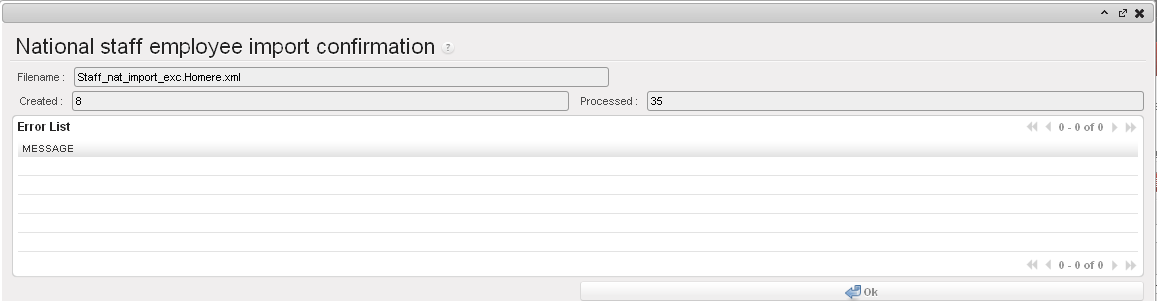 National staff employee import confirmation
- Click on {OK}
Go to: Human Resources/ Human Resources
- Select the sub-module {Employees} and a list of employees appears.
- Select the filter {Local} and a list of local employees will display.
- Check the box of one entry to assign an allocation individually or the box of multiple entries.
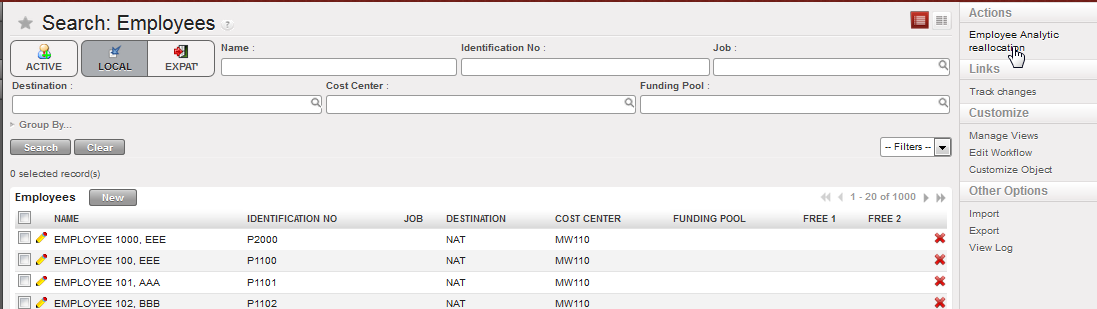 National staff analytical allocation (Sections not using Homere)
- Select a destination, cost center and funding pool.
 Employee Analytical reallocation
- The allocation is finalized.
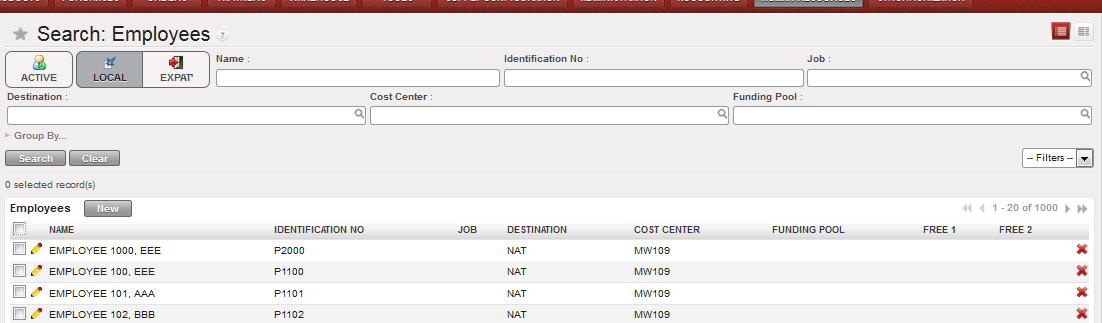 Employee Analytical reallocation performed on national staff (for sections not using Homer)
