Supply User Manual ENG -> 4. Procurement -> 4.6 LU-SU3201: Purchase Orders (POs) - Generals -> A. LU Introduction (LU-SU3201)
A. LU Introduction (LU-SU3201)
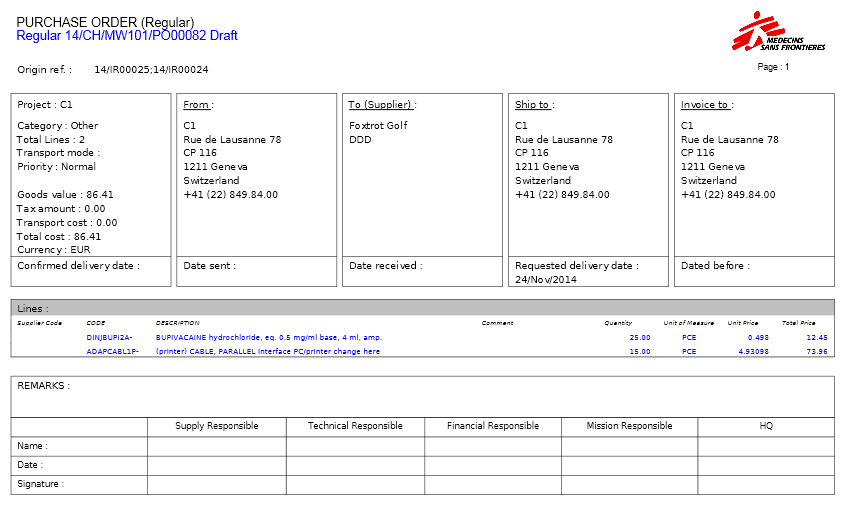
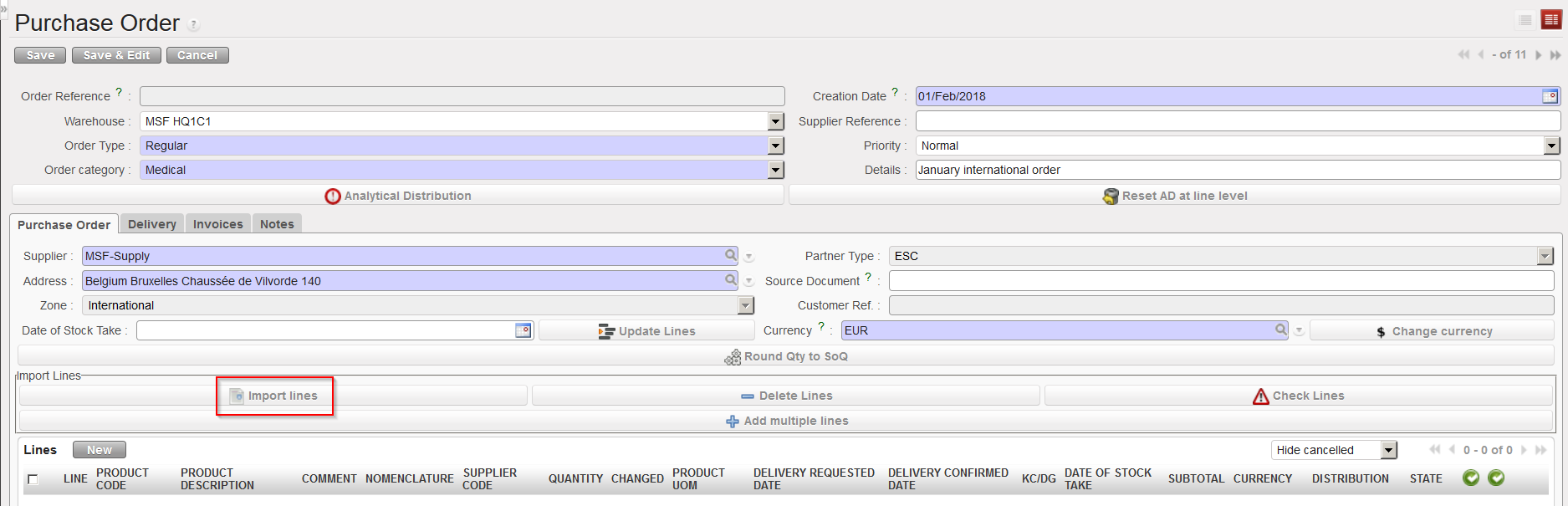
A Purchase Order document represents requirements to procure any goods from a party outside of the instance. A Purchase Order can be addressed to different partner types: internal, inter-mission, inter-section (PO will go through the synchronization engine); external or ESC (PO won’t go through the synchronization engine).
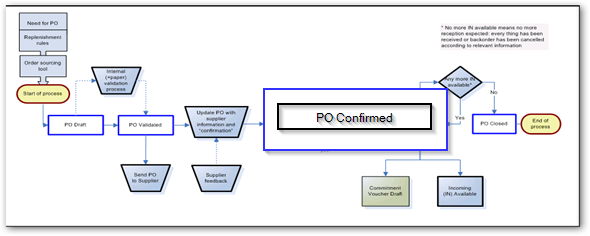 |
| Process Flow for Purchase order to External / ESC Suppliers |
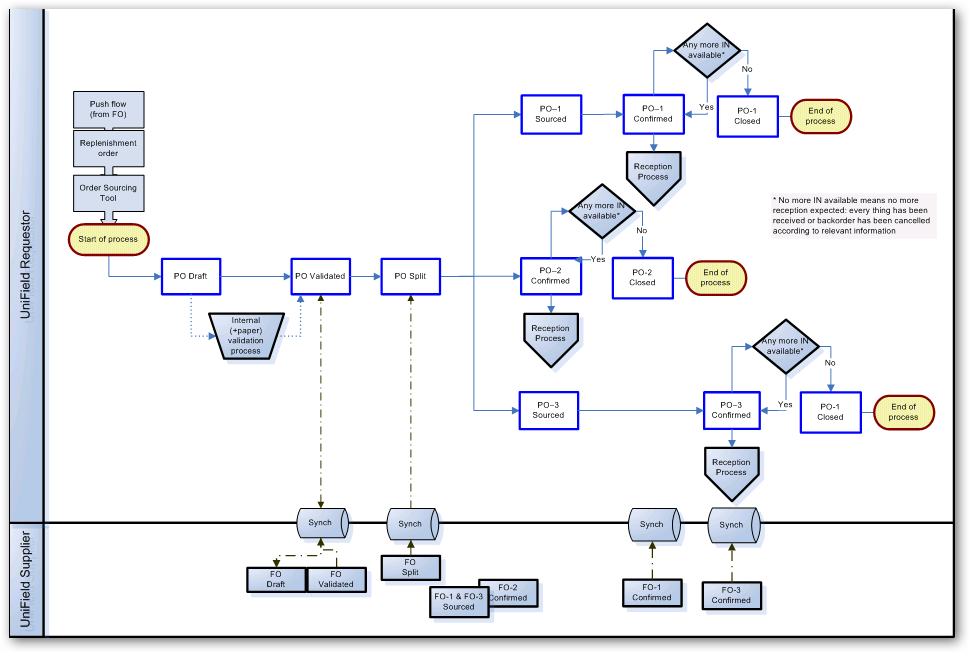 |
| Process Flow for Purchase Order to Internal, InterSection or InterMission Suppliers |
The order type can be:
Regular: General PO which must be attributed to a specific supplier, which can be internal, inter-mission, inter-section, external or ESC.
Purchase list: PO not attributed to a specific supplier, usually for products which will be bought at the local market with a cash advance (operational advance). By default, it will be addressed to “local market” but this can be changed if needed.
Direct PO: PO placed by an instance to the final supplier (which must be an external partner or an ESC), but delivered to another instance (from where the initial request originated). Note that Direct PO cannot be created from scratch but only through the OST.
In Kind Donation: In kind donation is a free supply from an external partner (e.g.plumpy-nut given by the WFP for a nutrition campaign). No invoice is managed but instead a “free gift certificate” is required and goods valuated. It is a PO with a specific accounting flow (accounting entries off balance sheet, recorded in an extra-accounting journal called in-kind donation journal).
Loan: PO from A to B (A requesting to borrow goods from B) and an automated counter-order from B to A is scheduled in the future for reimbursement. There is no impact on finance from the lending side as goods are to be replaced.
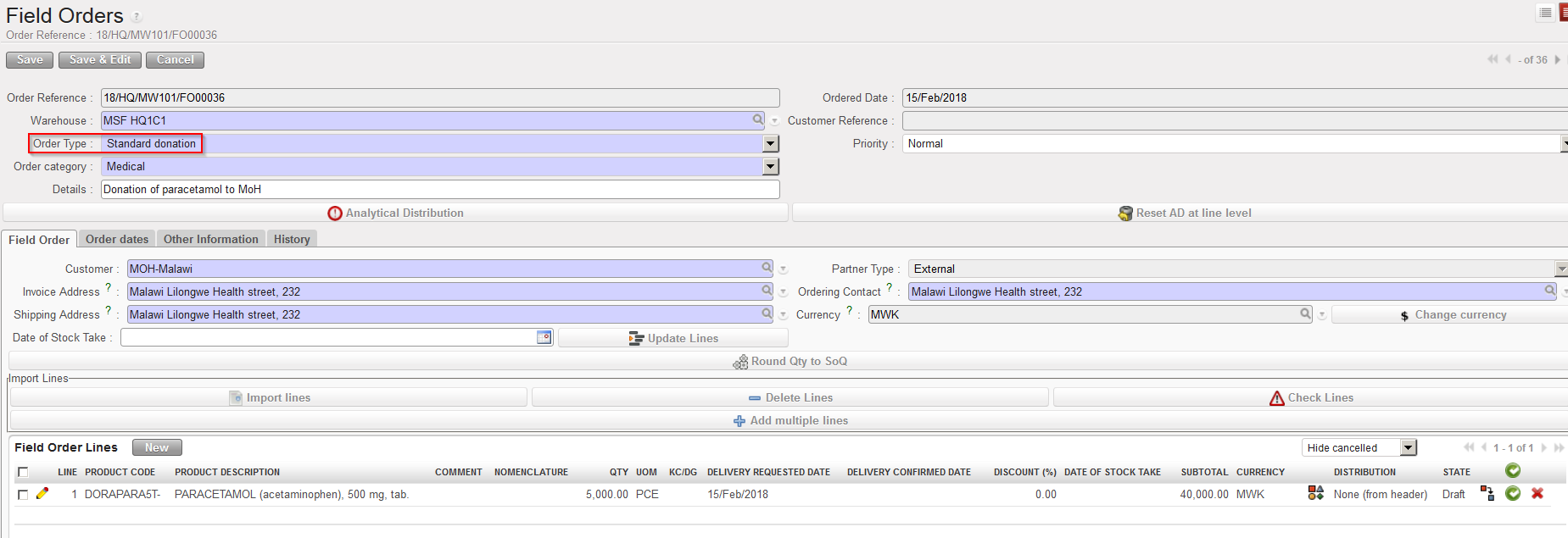
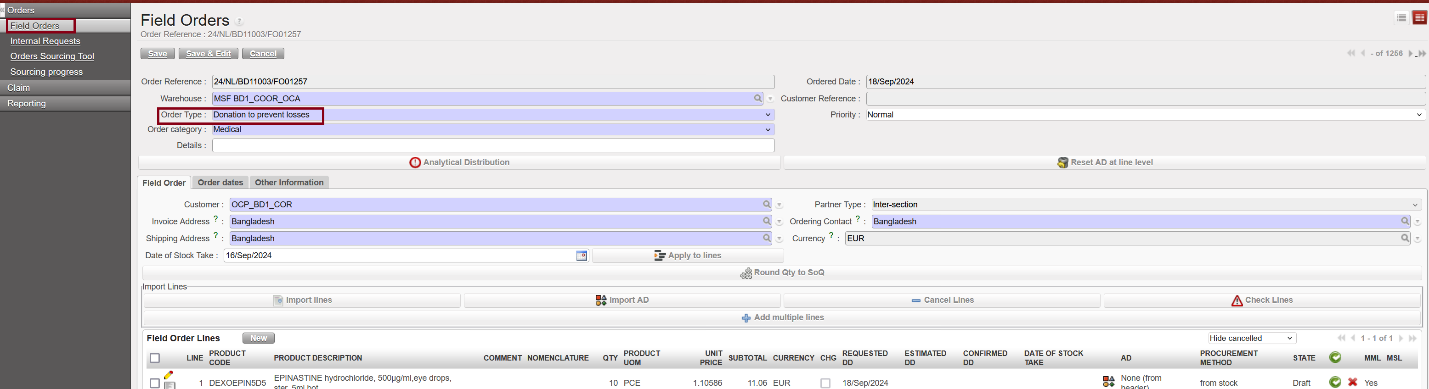
Standard donation and Donation before expiry (which involve an internal partner) types of Purchase Orders are usually initiated via an FO of the instance which is donating the goods.
The order category can be:
Medical – for medical products.
Logistic – for logistic products.
Service – for products which are “services with reception”, and so will be automatically received into the virtual location for services.
Transport – for products which are services with reception and transport related.
Other – for other types of products.
Each time there is a mismatch between the Order Category and the Product MainType, a non-blocking warning message will be displayed.
 |
| Warning message if the product main type does not match with the order type |
The Analytical Distribution is mandatory to validate a Purchase Order. The Analytical Distribution (AD) is a set of financial information which will be used in analytical accounting to classify expenses done on supplies. AD includes destination (reason for the purchase) and cost center (usually activity for which the purchased goods will be used). Analytical Distribution is mandatory in the system in order to process all POs except those which are type Loan, IKD, Standard donation and Donation before Expiry. For these cases check with your OC procedures regarding whether & how the AD should be added.
Analytical accounts enable MSF to track revenue and expense per project so that we can be accurate in our donors reporting.
The Analytical Distribution codes need to be allocated according to several analytical trees. In UniField finance terms, we call them account categories. These categories (of Analytical Distribution) are:
- Destination (operations, support, national staff, expatriate staff)
- Cost Center (OC / Mission / Project / Activities)
The Analytical Distribution for each line item (or for the whole Purchase Order if the same AD is valid for every line) must be added to every Purchase Order. As the creation of Purchase Orders is a supply related task, this must be added by the appropriate person of this department, however, the information about which Analytical Distribution codes should be used should come from the Budget holder or Finance at the request stage, and they are responsible for providing this information to facilitate the work of the Supply team. Similarly, it is the responsibility of the person authorizing the Purchase Order to check that the Analytical Distribution is correct, before the PO is authorized and validated.

Please note: For any Internal partner type (Internal, Inter-mission or Inter-section) it should not be possible to update the currency (only the one set in the partner form is authorized – see Chapter 2 Configuration/ -LU-SU1102 Partners (Customers and Supplier)/ B. How to create a new partner).
Internal partners can now be set with a local currency enabling PO/FO flow between instance of the same mission in local currency. The condition is that all internal partners within a mission must be set with the same currency (local or not), if not, PO/FO will not be synchronized.
Proper process shall be put in place if the change of currency is to be done in a mission. Advice is to change the internal partners currencies from coordination at a time when there are no pending PO/FO between Coo and projects in the sync = both PO and FO shall be created before to change the internal partners currencies.
 Please note: If a Purchase Order is to be sent to an Inter-mission partner (i.e. another country), there is a particular Intermission cost center which must be added in the PO’s Analytical Distribution.

Please note: Purchase Orders must be signed and approved before being validated in the system. Analytical distribution is also mandatory before validation.

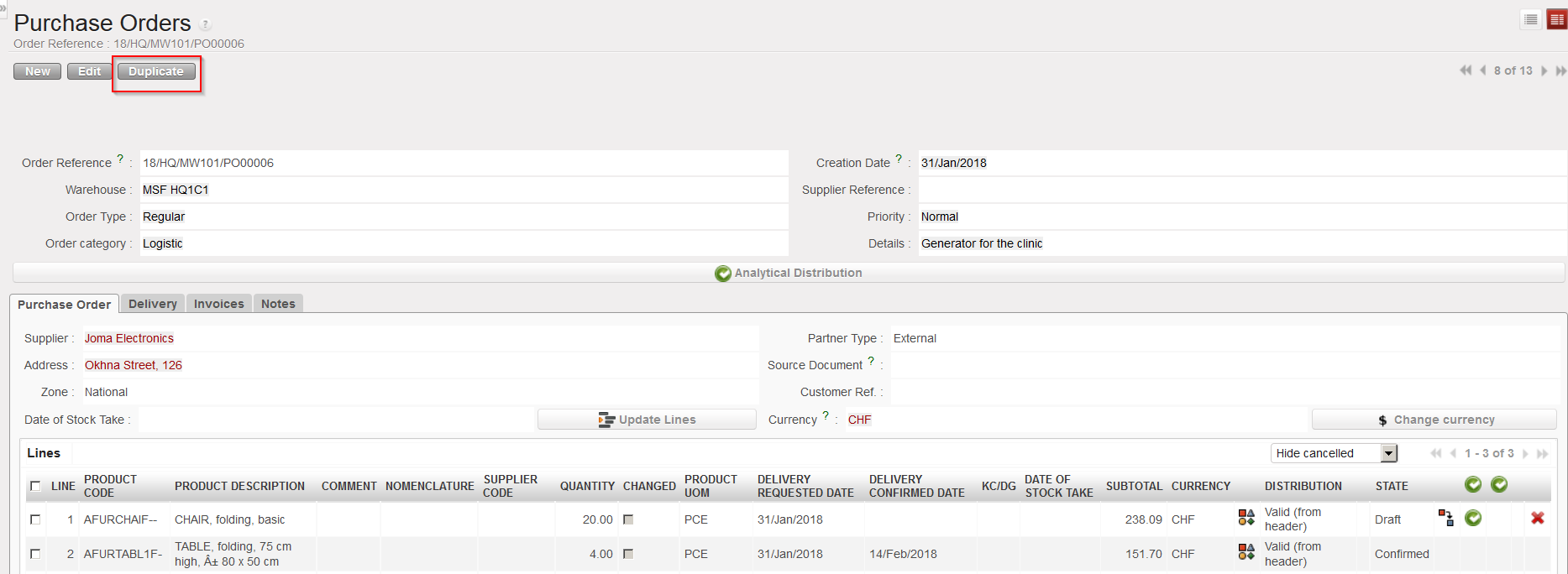


 icon.
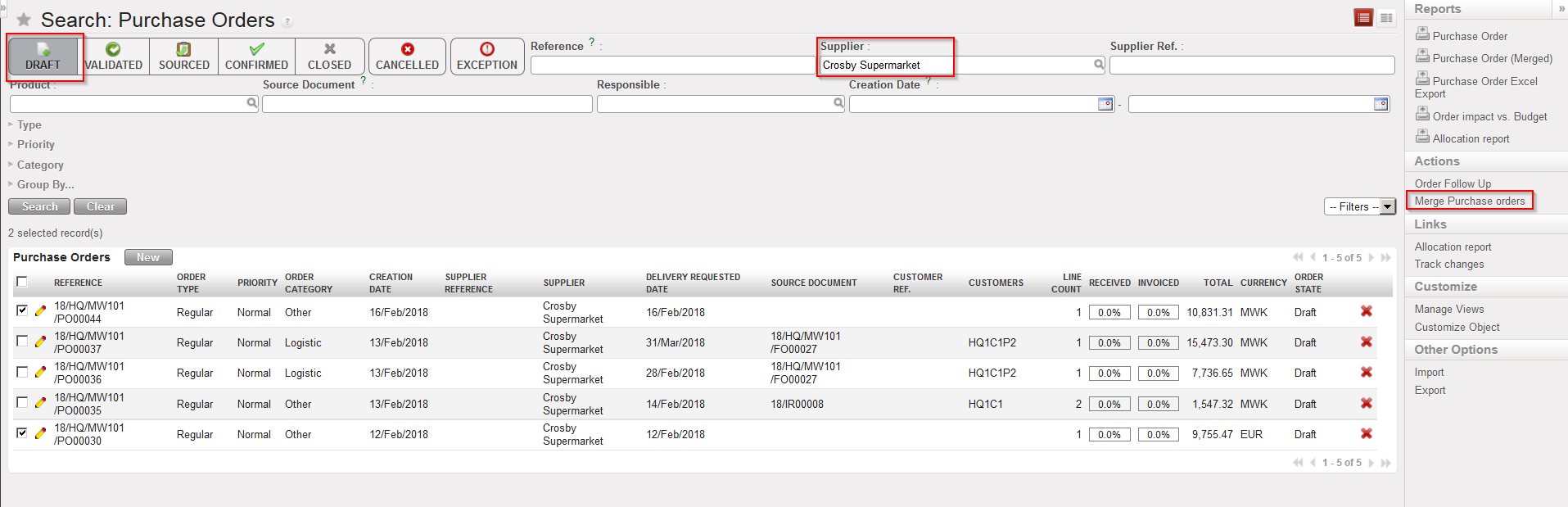
icon.