Supply User Manual ENG -> 4. Procurement -> 4.8 LU-SU3203: Tenders (CFTs) and Requests for Quotations (RFQs) -> D. How to cancel & resource RFQ lines generated from the Orders Sourcing Tool.
D. How to cancel & resource RFQ lines generated from the Orders Sourcing Tool
If an RFQ was generated by the OST, it will be possible to cancel & resource this RFQ or some RFQ-lines. Cancelled & resourced lines will be available in the OST, ready for resourcing.
We start from a situation where an RFQ was generated by the OST (from an IR) and we assume it was sent to the supplier.
Go to: Purchases / Purchase Management / Requests for Quotation
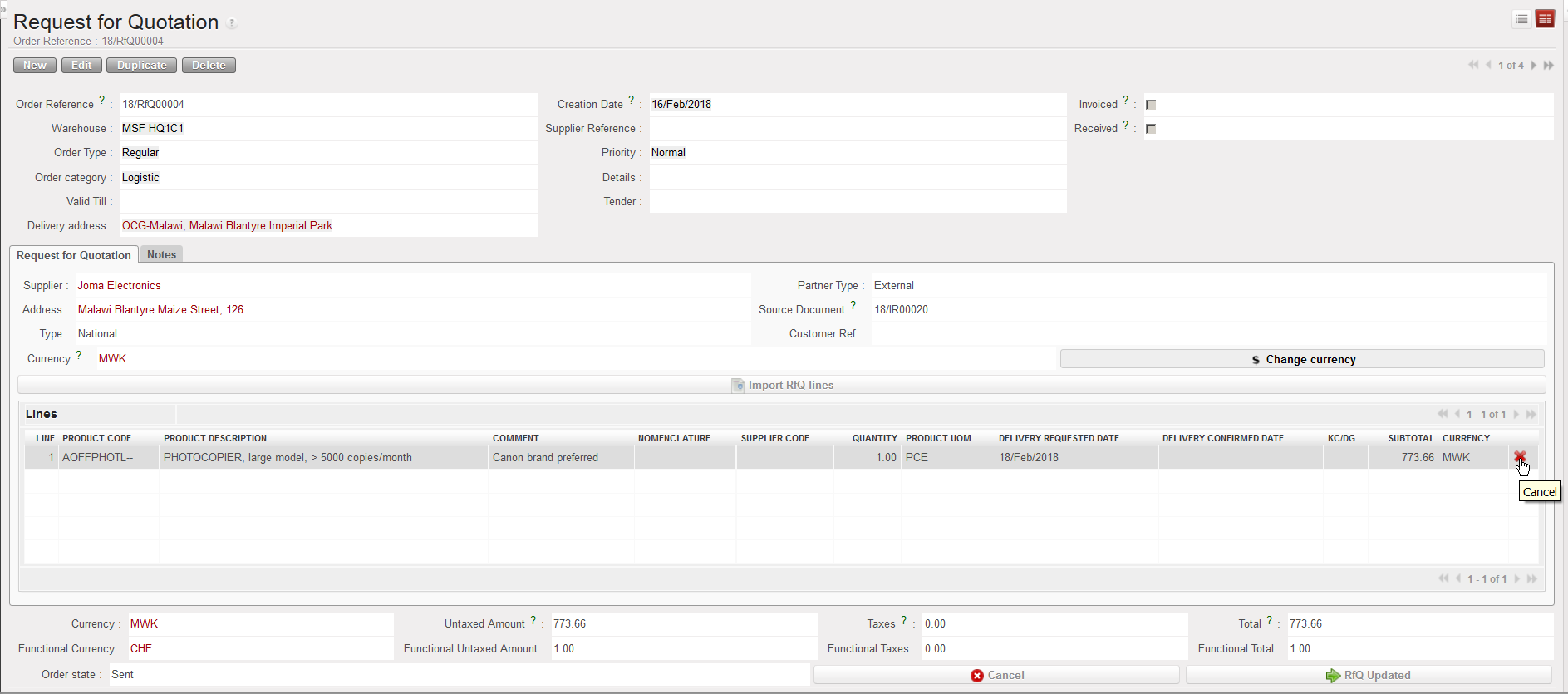
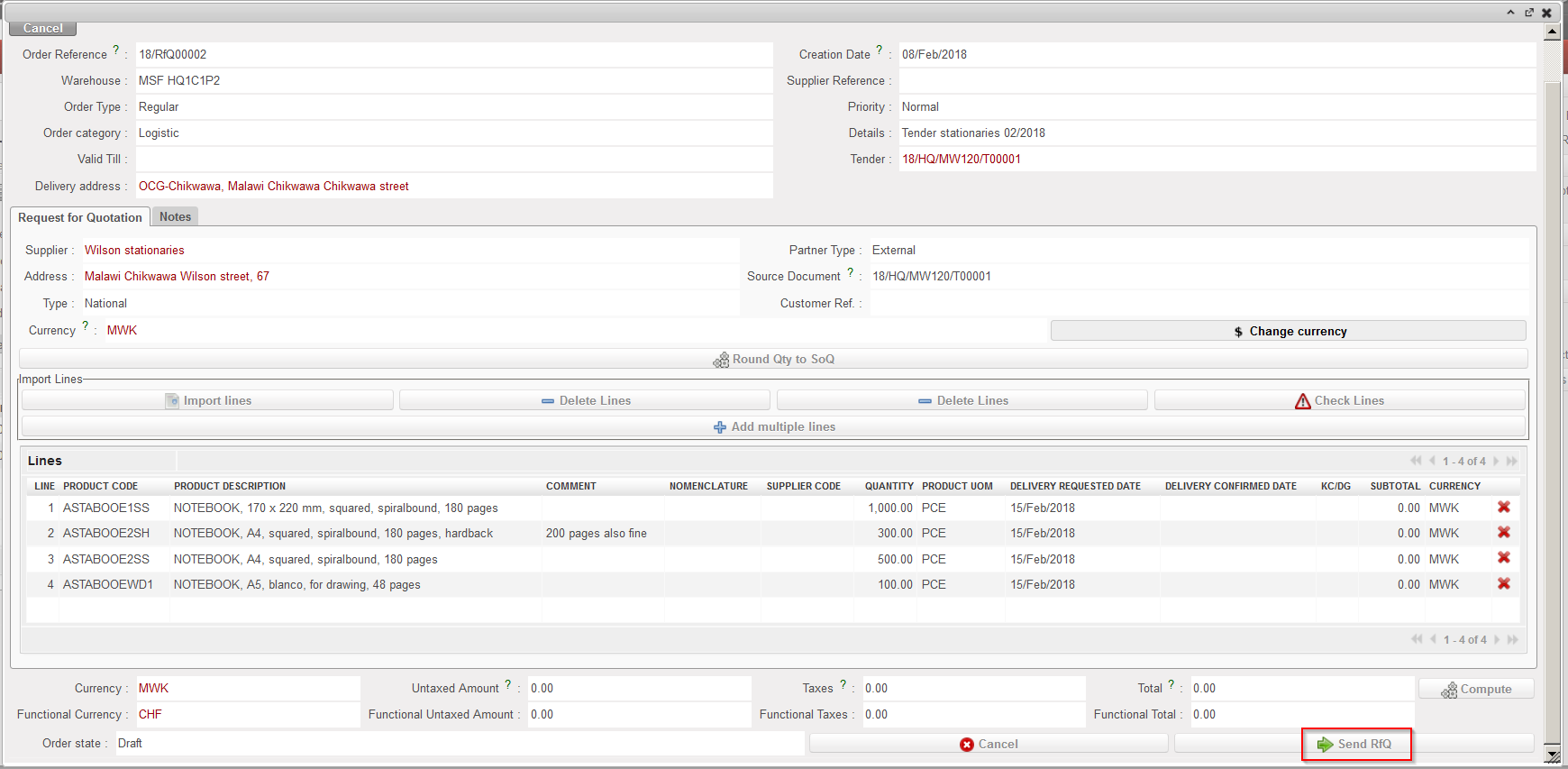
1.Use filters to find the RFQ on which you wish to cancel & resource a line and open it.
2. Click on the red cross at the right of the line you want to cancel & resource.
3. On the pop-up, select “Cancel & Resource” (alternatively you can simply cancel the RFQ-line, but the resourcing of the item won’t be possible).
 |
| Cancelling an RFQ-line |
 |
| Cancelling & Resourcing an RFQ-line |
4. On the IR that was sourced on order to create the RFQ, the line which was C&R on the RFQ is now in state “Cancelled-r” while a new line (copy of the other one) has been created in state “Resourced-v” and is ready for resourcing in the OST.
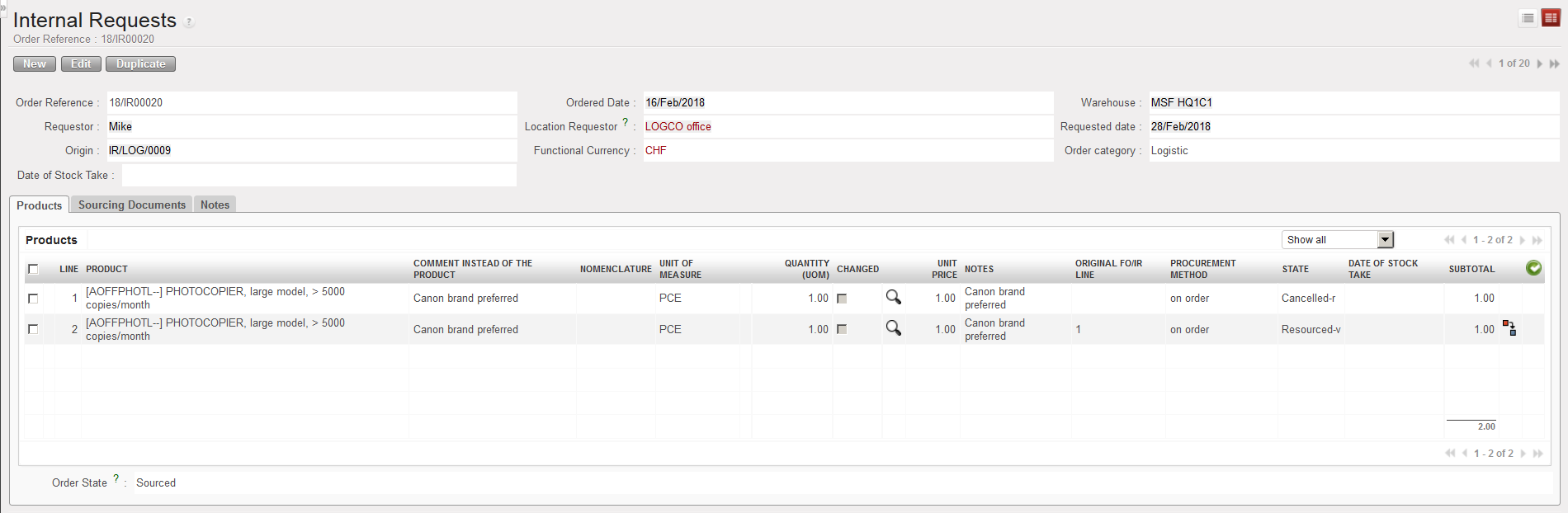 |
| IR after Cancelled & Resourced RFQ |
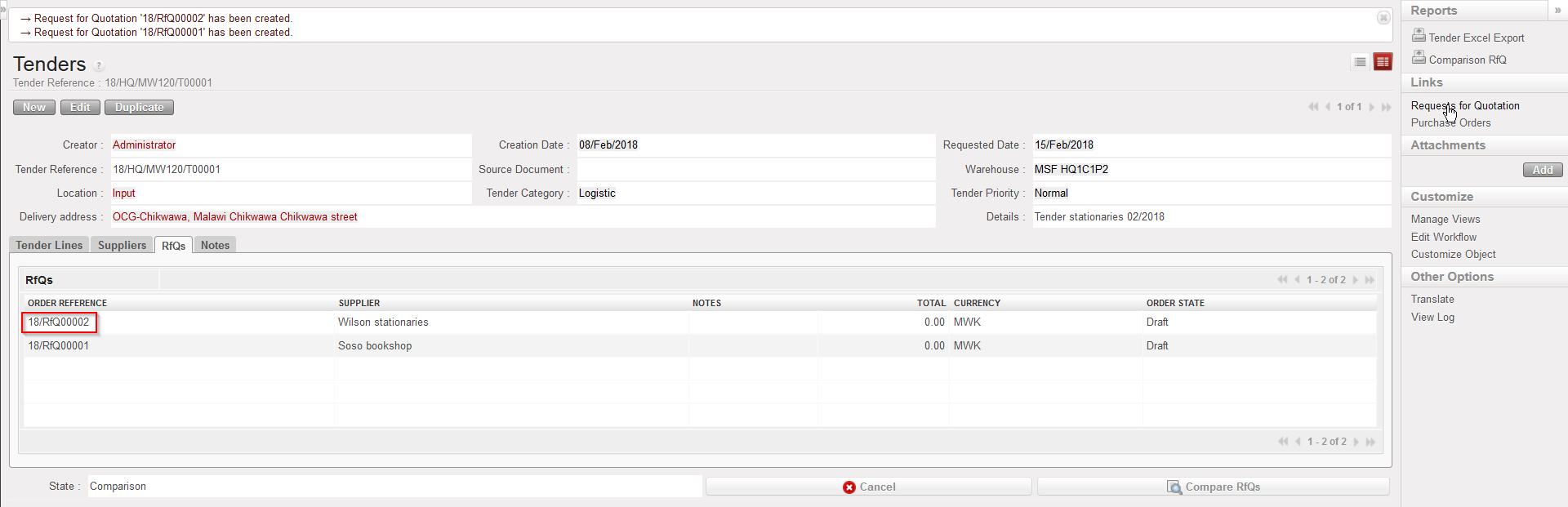
NB : RfQs generated from Tenders cannot be Cancelled and Resourced, they can only be Cancelled.
However, RfQ lines can still be Cancelled and Resourced from the linked Tender.
 at the right side of the screen to save the line and to create a new one to add additional items if needed.