
Supply User Manual ENG->Supply Configurations->2.2 LU-SU1102:Partners(customers and suppliers)-> D. LU-SU1102: How to de-activate a partner
D. LU-SU1102: How to de-activate a partner
It may be necessary to de-activate a partner, so that it cannot be used for future transactions. By removing the tick from the “Active” checkbox, the system will hide the partner, so that it cannot be selected or used in any new transactions. In order for a partner to be de-activated, it should not be currently used in any open transaction. If the partner is used in an open transaction, the system will not allow you to de-activate it.
Go to: Partners / Suppliers / Suppliers or Customers / Customers
 |
| Partner – De-activation |
- Click on the pencil
 next to the partner which you want to de-activate.
 - Untick the “Active” check box on the partner header.
- Once complete, click on the “Save” button at the top of the screen.
- If there are any open documents involving this partner, the system will display a warning message (see figure below) and will not allow the de-activation.
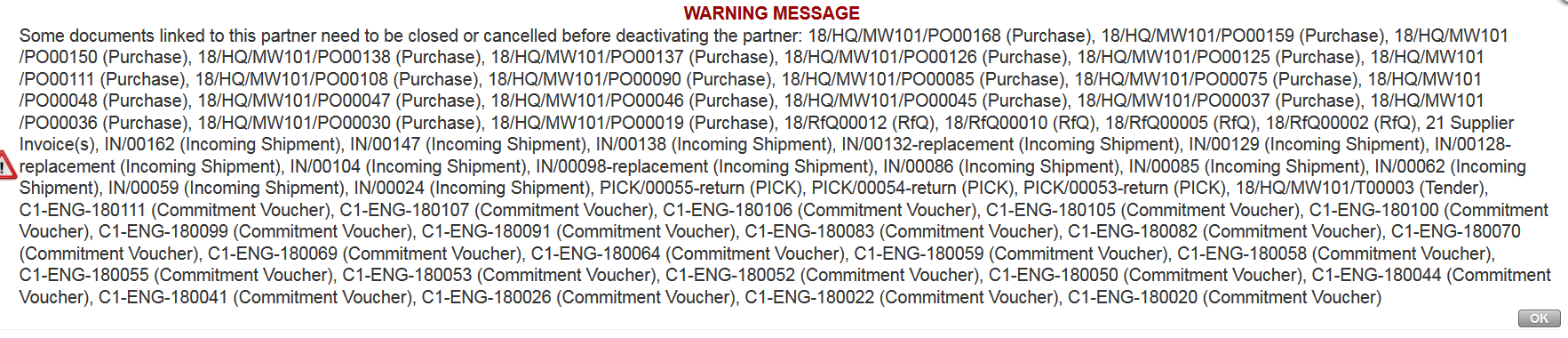 |
| Impossibility to de-activate a partner |
