
Finance User Manual ENG -> 2. Finance Configurations -> 2.4 Financial Accounts -> LUFI-20402 Account Inactivation
LUFI-20402 Account Inactivation
LU Introduction
Inactivating accounts is performed at HQ. This action prevents users from booking future entries on an account that is not in use anymore.
Deactivation is synchronized down to all missions and new entries for the inactivated accounts are blocked. The check on entries is based on Posting Date, e.g. the Posting Date of a new entry can’t be on or later than the inactivation date of the account. If the entry’s Posting Date is outside the financial account activation period, you will get the following error message:
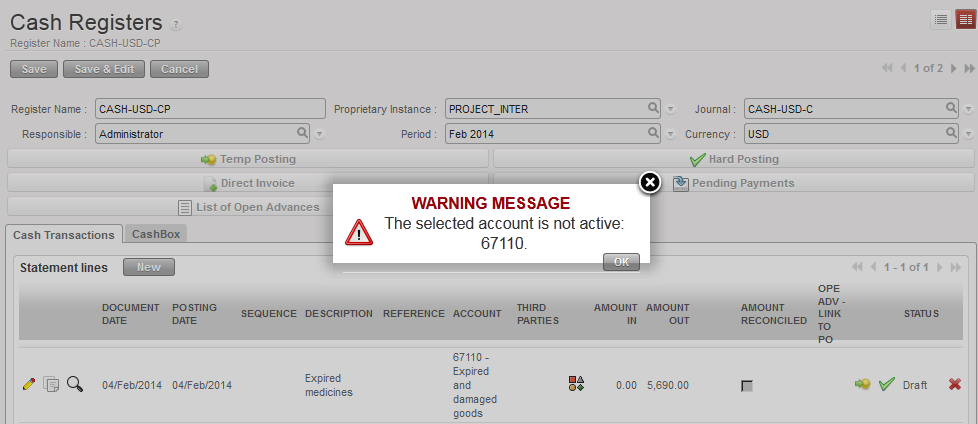 System control on an inactive financial account
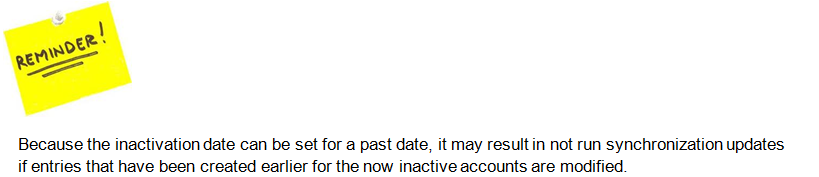
How to Inactivate a Financial Account
Go to: Accounting/Financial Accounting/Accounts/Accounts
- In the field {Code} enter the account code to inactivate and {Search}
- Once the system retrieves the account, click on the pencil
 to edit the account form
 - In the {General Information} tab, enter a date to inactivate the account and save
The financial account {Expired and damaged goods} is inactivated
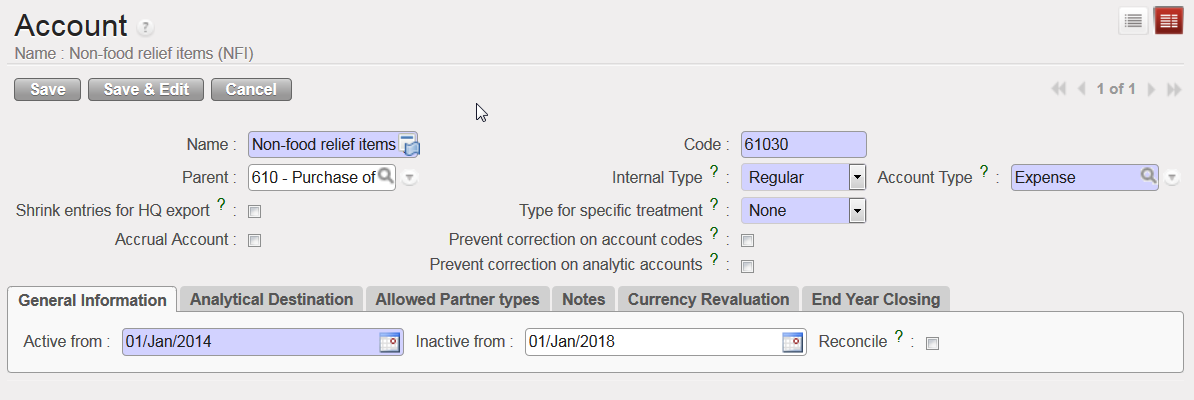
Account {61030} is inactivated since 1st January 2018
It is possible to delete the inactivation date in order to re-activate and to use this account again.
