Finance User Manual ENG -> 2. Finance Configurations -> 2.6 Financial Journals -> LUFI-20601 Editing Financial Journals
LUFI-20601 Editing Financial Journals
LU Introduction
Most financial journals are created during the instance set-up. Liquidity journals are manually created in a second step but always in the instance where they belong. Once created, they will synch up to Coordo / HQ depending on the level at which they have been created.
How to Edit a Financial Journal
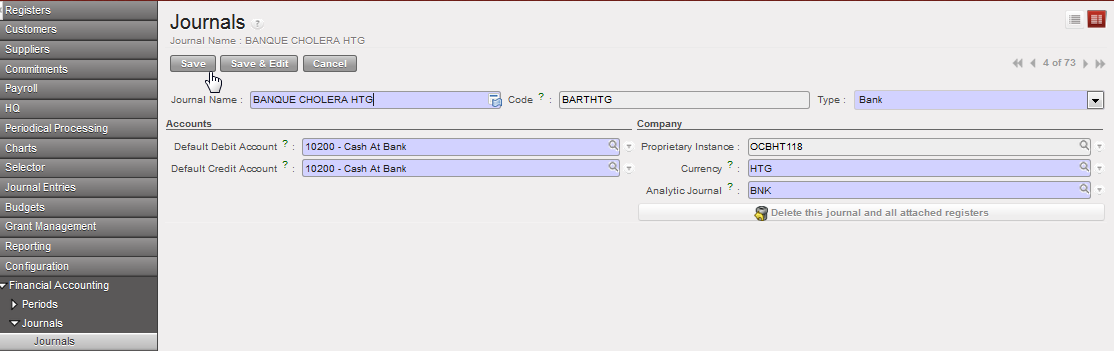
Go to: Accounting/Financial Accounting/Journals/Journals
- In the {Journal} Search view locate the journal you want to edit. Once located click on the pencil
 of the journal line to edit the journal form.
 - In the journal Form view, you can edit all the fields except the proprietary instance and Code. For instance you can change the journal name or code to correct a typo. This task must be performed by an authorized user and avoided as much as possible.
- Save
The financial journal is edited