Finance User Manual ENG -> 2. Finance Configurations -> 2.7 Liquidity Journals and Their Corresponding Registers -> LUFI-20704 Register Deletion
LUFI-20704 Register Deletion
LU Introduction
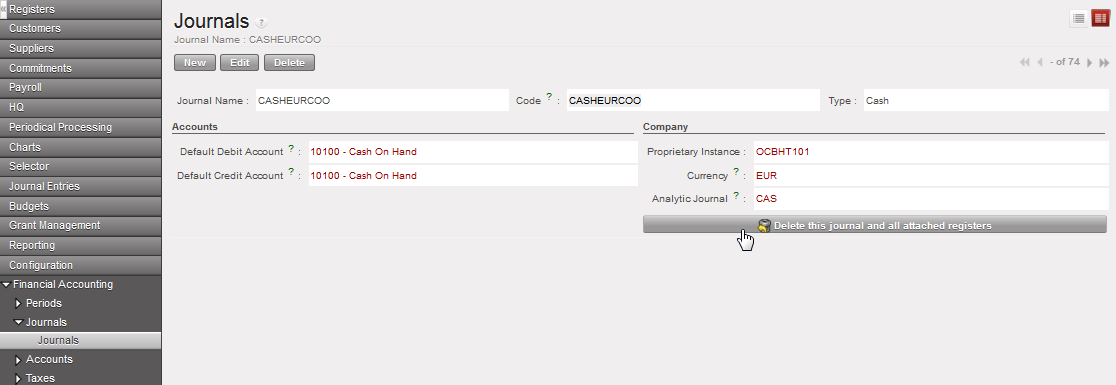
If a register has been created by mistake, you need to delete the corresponding journal. It is not possible to delete the register directly. You can only delete the corresponding journal if the register is still in {Draft}.
How to Delete a Register
Go to: Accounting/Configurations/Financial Accounting/Journals
- Retrieve the journal you want to delete e.g. by using the filter {Journal type}.
- When you have identified the correct journal, click on the pencil
 of the journal to open the form.
 - Click on {Delete this Journal and all attached Registers} and confirm
The journal and associated register are deleted