
Finance User Manual ENG -> 2. Finance Configurations -> 2.8 Suppliers and Customers -> LUFI-20802 Partner Deletion
LUFI-20802 Partner Deletion
LU Introduction
Authorized financial and supply users have the option to delete a partner for example when a partner was created by mistake. However, partners cannot be deleted if they have transactions against them. In such a case, there is a warning message. Also, partners can’t be deleted if they originate from other instances.
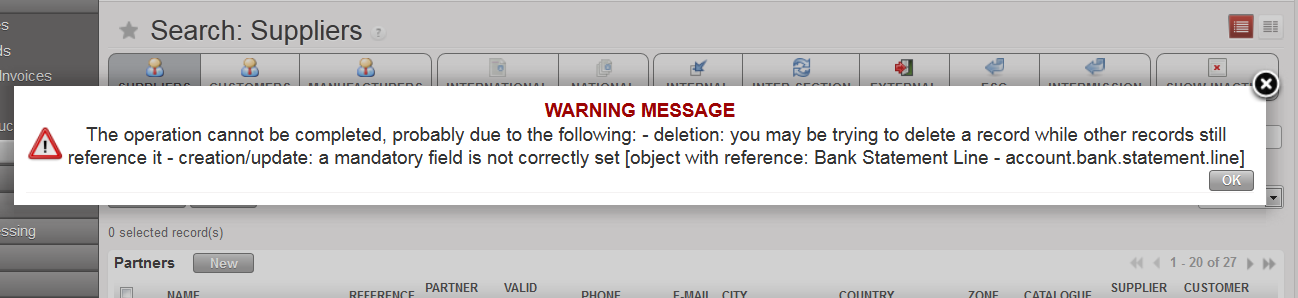 In this example, you cannot delete this partner because there is a transaction booked against it in a bank register.
How to Delete a Supplier
Go to: Accounting/Suppliers/Suppliers
- The partners list appears. You can use the filter buttons or fields to narrow your search to a specific supplier or customer.
- Click on the red cross
 on the right corresponding to the partner which you want to delete.
 - A confirmation pop up appears.
- Click {Yes}.
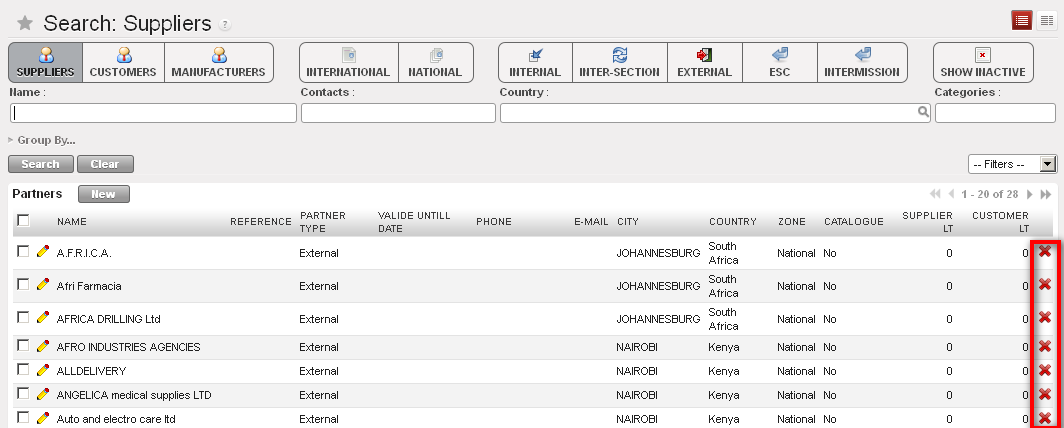
Partners form removal buttons

