Finance User Manual ENG -> 5. Searching, Correcting and Closing -> 5.1 Searching -> LUFI-50107 COMBINED JOURNALS
LUFI-50107 COMBINED JOURNALS
LU Introduction
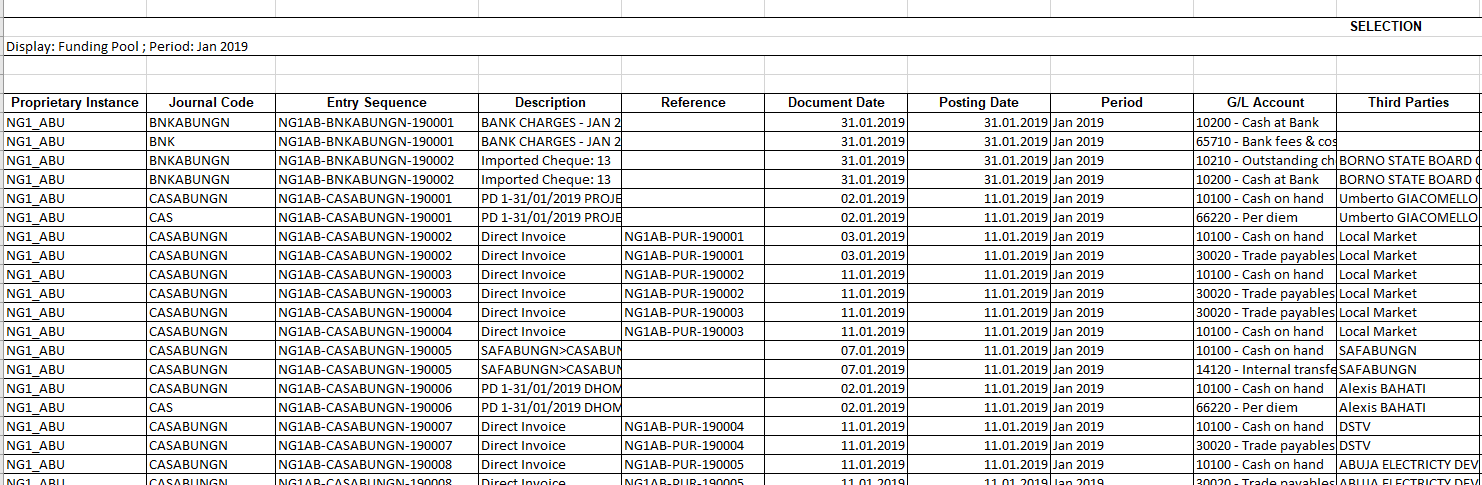
This report will combine all the JI and the AJI entries. The main purpose of this report is to display in one report all entries’ sequences in order, whether they were existing only in the JI, or only in the AJI or in both. In addition to that, it will help when doing the checking of the accounting documents when archiving per journal.
How to Produce Combined Journal Report
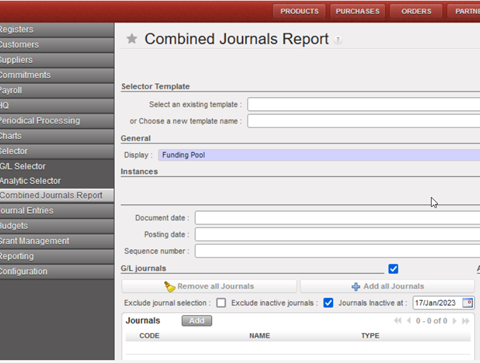
Go to: Accounting/Selector/Combined Journal reports
You have a wide range of possibilities to search for data. Ticking the checkbox for a certain heading will expand the screen for the user to select specific criteria. Similar to default search fields in other modules, you can enter data manually or use the magnifying glass to select from a drop-down list.
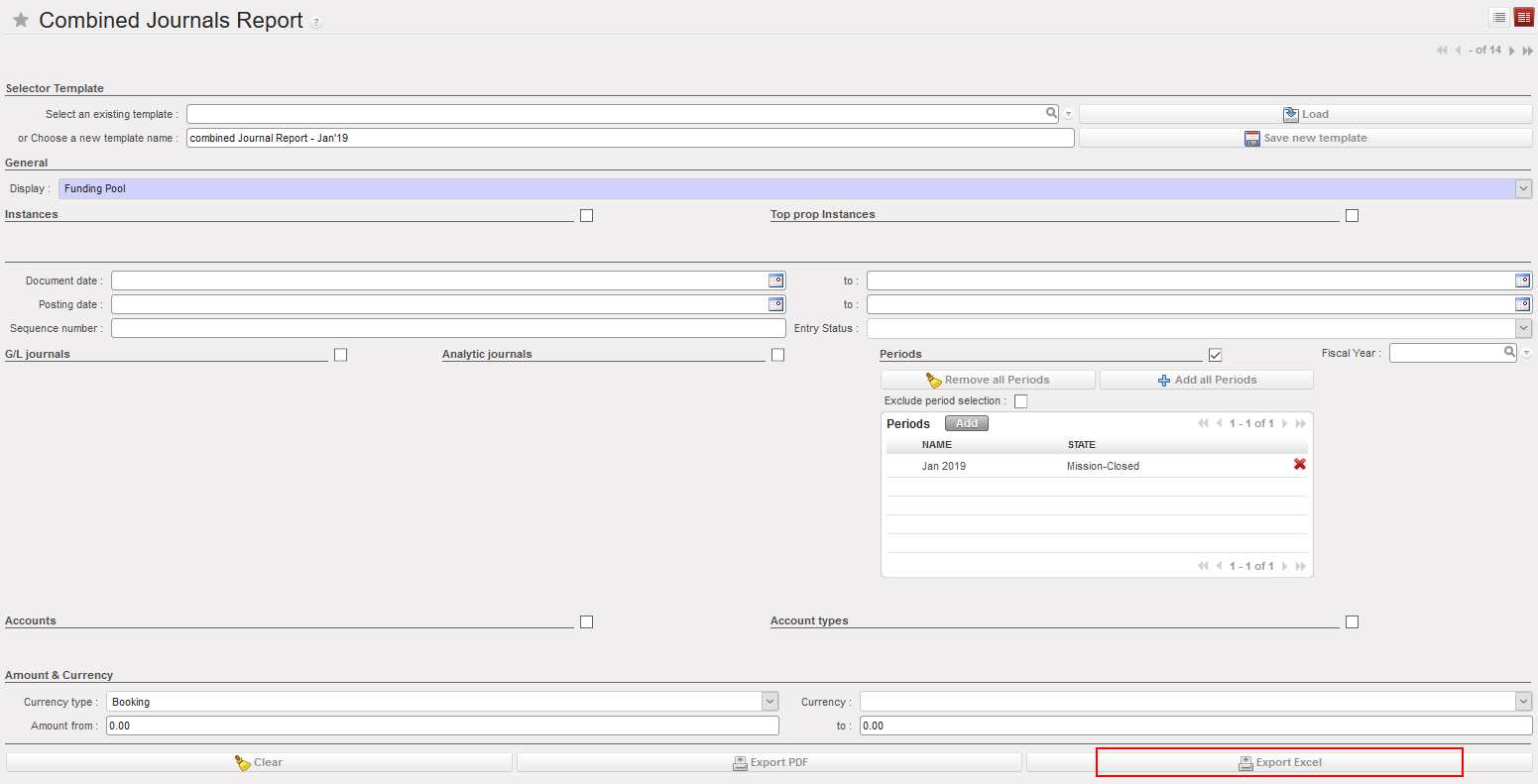
- Create your template.
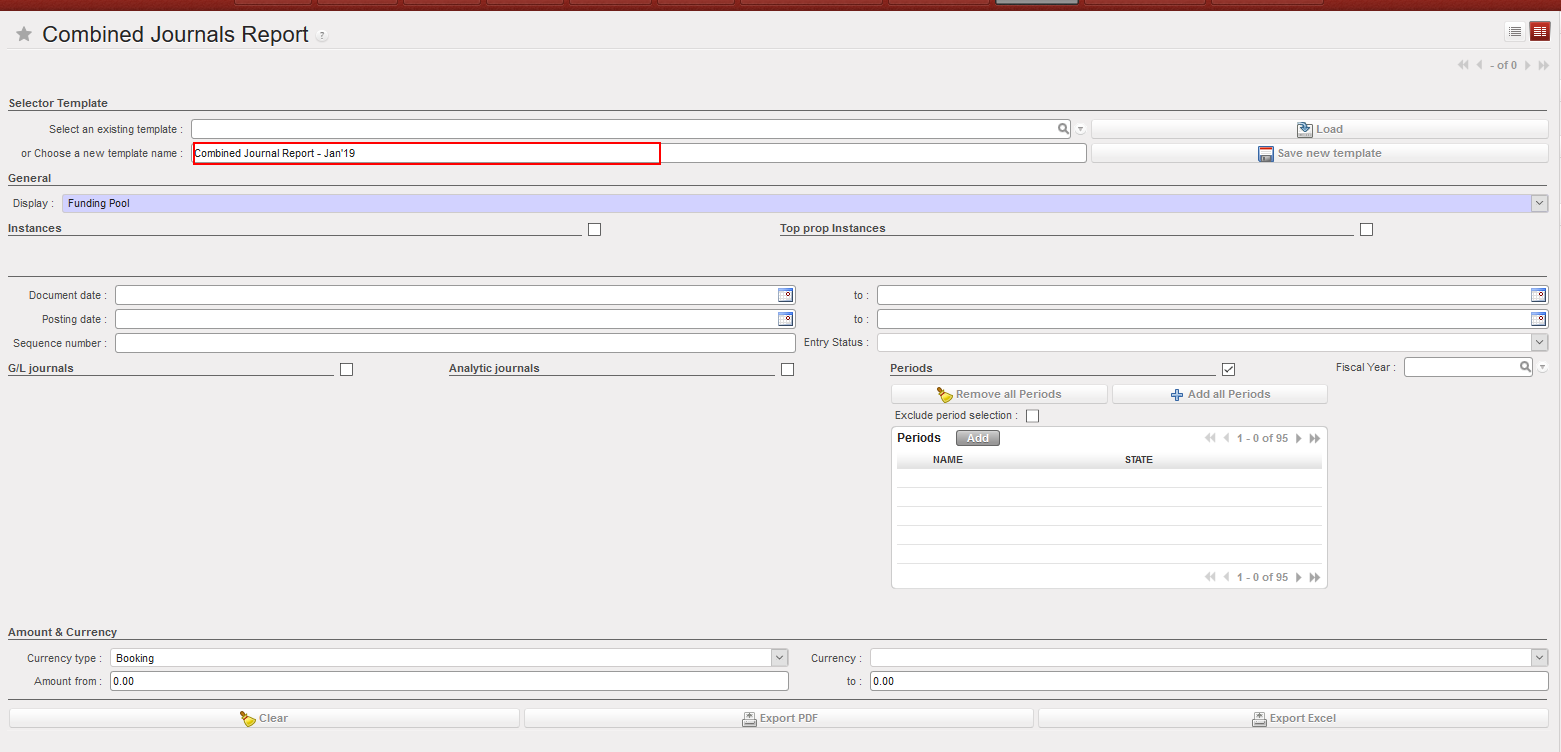
- Select the period you want.
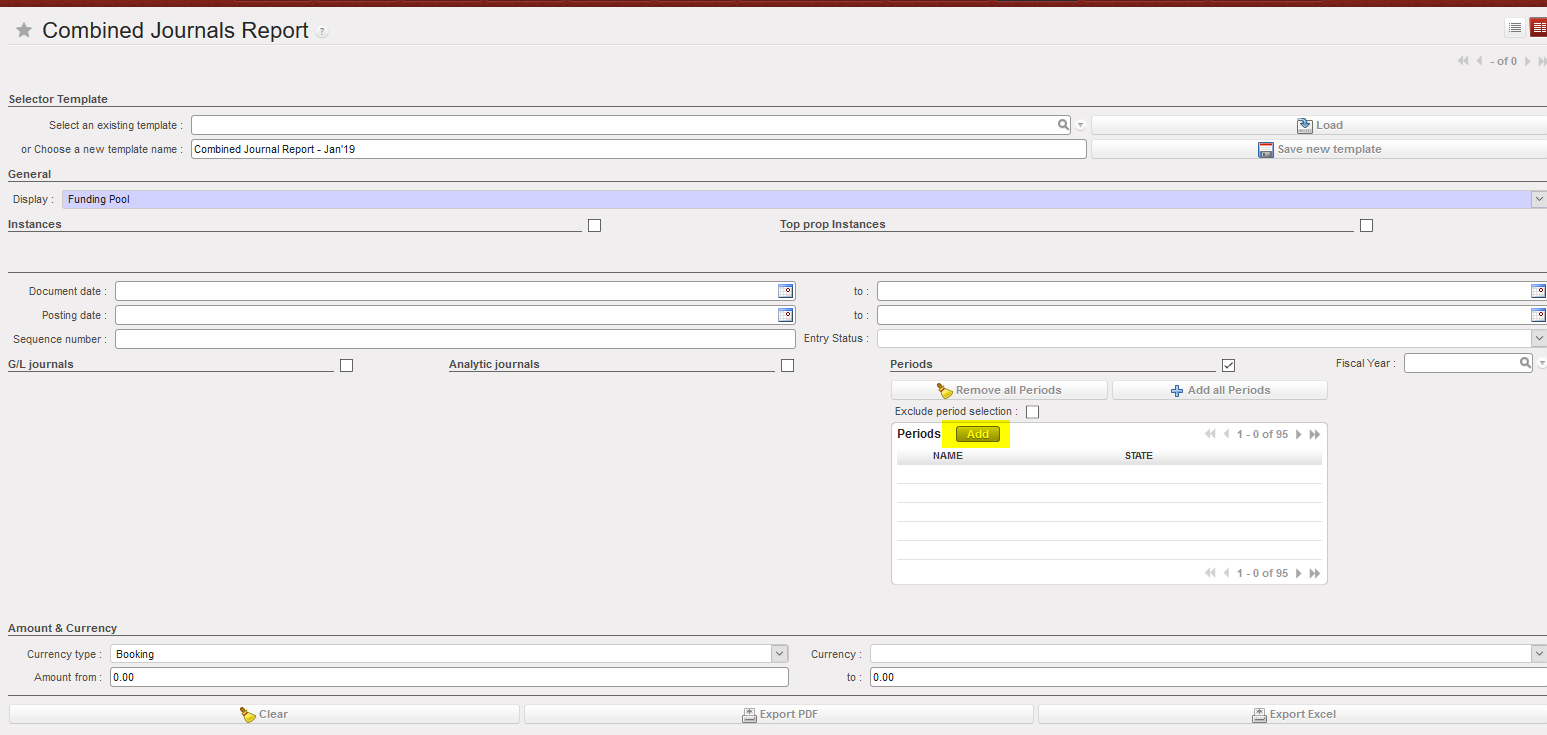
- You will have a list of all periods, select all periods you want.

Also the field Sequence Numbers has a limit of 360 characters, and you can specify about 26 entries. Note that the total number of characters includes the character ( , )
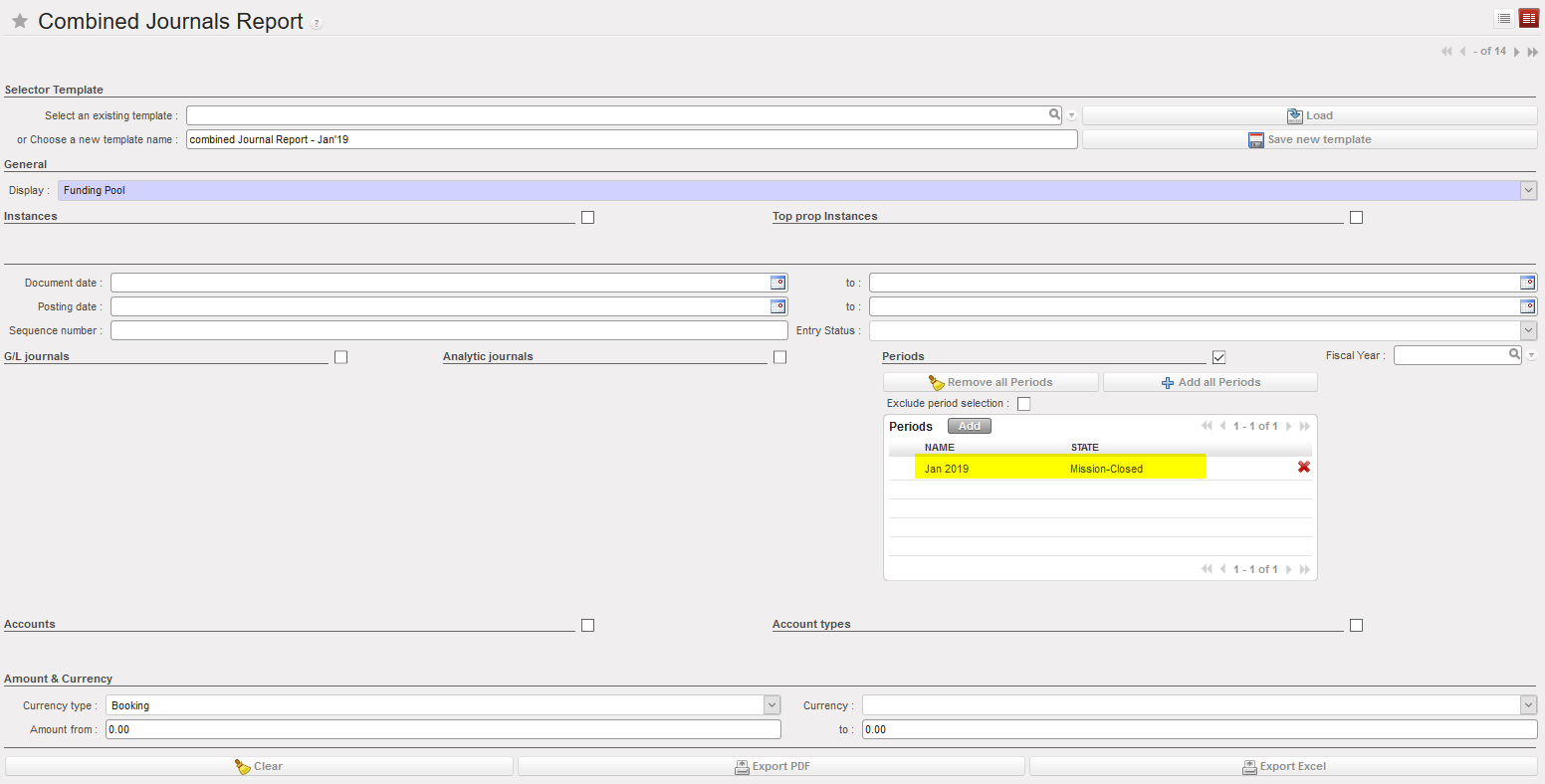
- Also you can exclude inactive journals by dates by ticking on checkbox “Excluded inactive journals” and also a date on the Combined Selector:
- Click on {Export Excel} or {Export PDF}
- Click on {Download Report}

- In the report you will find all entries’ sequences (both JI and AJI) organized by order based on the sequence number.