Finance User Manual ENG -> 5. Searching, Correcting and Closing -> 5.1 Searching -> LUFI-50108 MULTIPLE SEQUENCES AND RELATED ENTRIES IN THE SELECTOR
LUFI-50108 MULTIPLE SEQUENCES AND RELATED ENTRIES IN THE SELECTOR
LU Introduction
When making a query in the GL Selector and Analytic Selector, in “Sequence number” field, there will be a possibility to set several sequences if separated by “comma”.
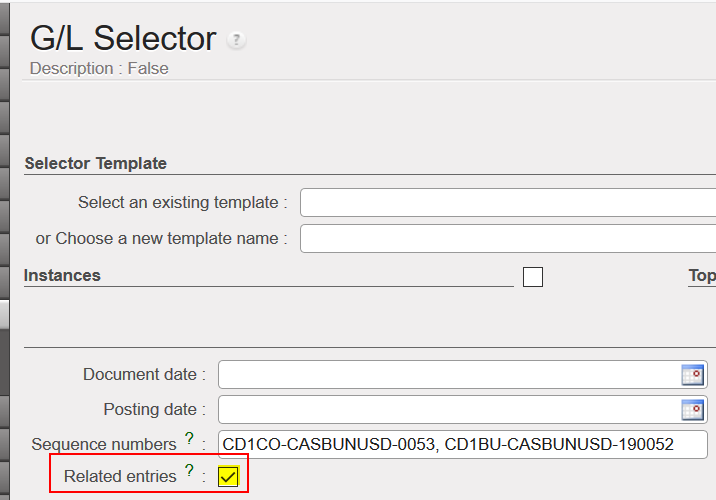
We have as well a new button called {Related Entries} that enable us to display all related entries from all the entry sequences filled in the “Sequence number” field. Related entry can work for multiple entries in the selectors only.
Related Entries are the entries that are linked together. For example, the operating advance entry and the automatic closing of this advance (when closed by the wizard) or automatically corrected entries in the Analytic journal Items (when using the open envelope to correct an account code/CC/Funding pool).
Related Entries in GL/ Analytic Selector
Go to: Accounting/Selector/GL Selector or Analytic Selector
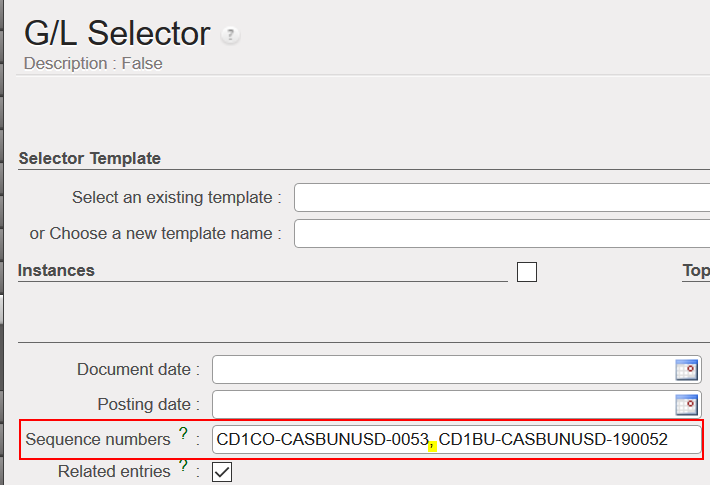
- In the sequence number, add the entry sequences that you want and separate them by a comma.
- Tick the box of related entries.
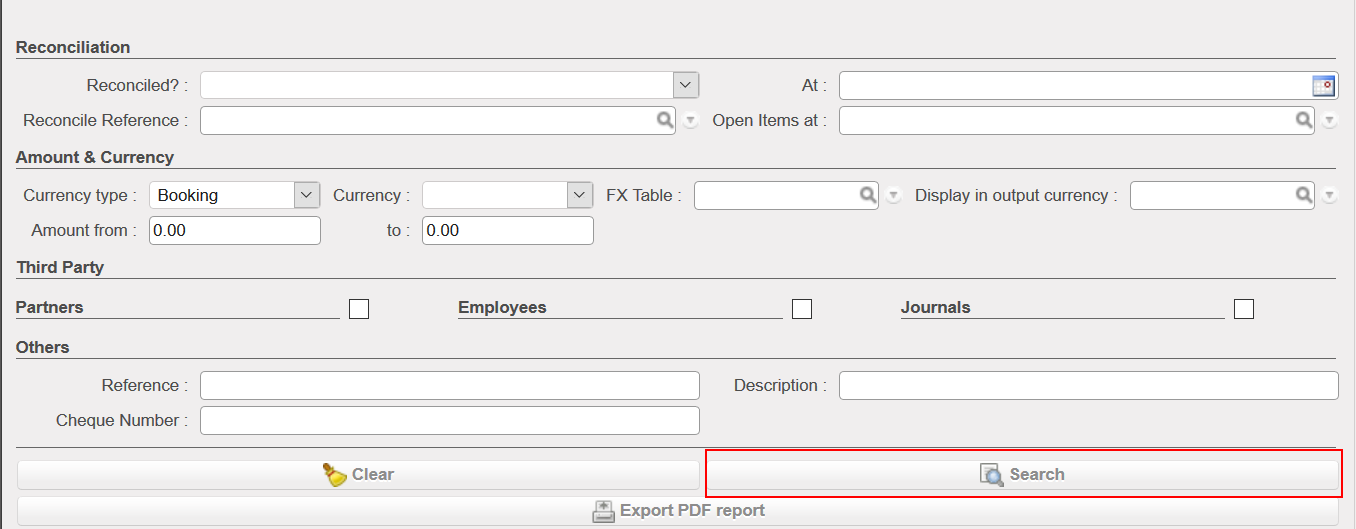
- Click on {Search}
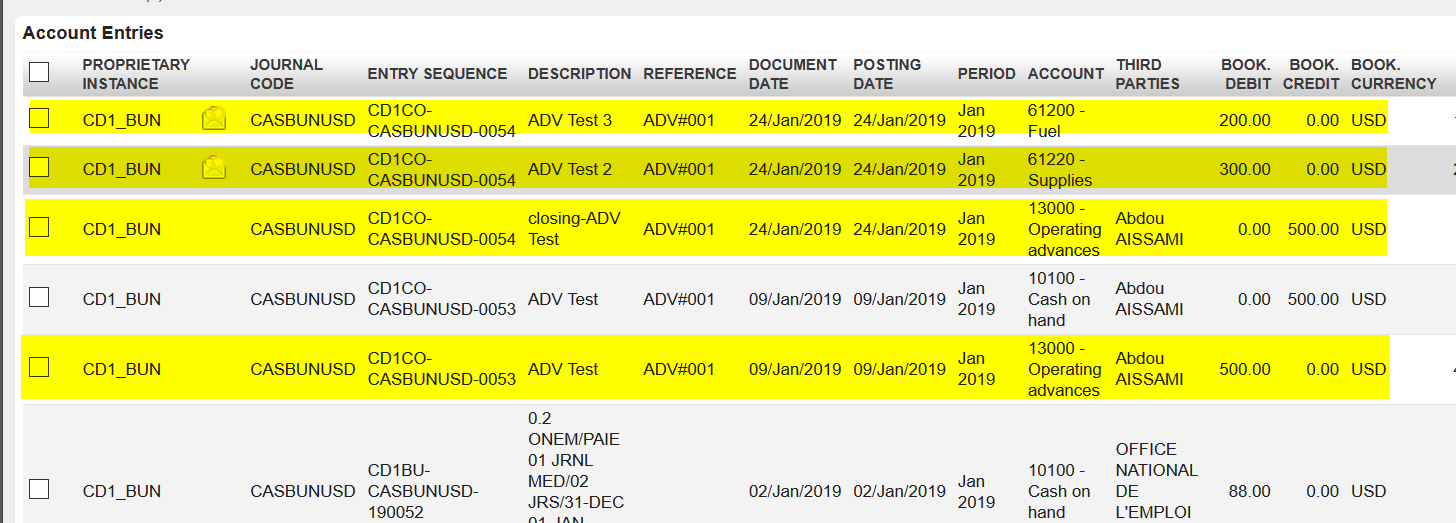
- Only the selected entries will appear on your search in addition to the related entries if any. In the below example, we have the operating advance closing entries and the related expenses linked to the operating advance initial entry that we selected above CD1CO-CASBUNUSD-0053